Viewing Others Screens
There’s a few ways that screens are shared in Spot, let’s check ‘em out!
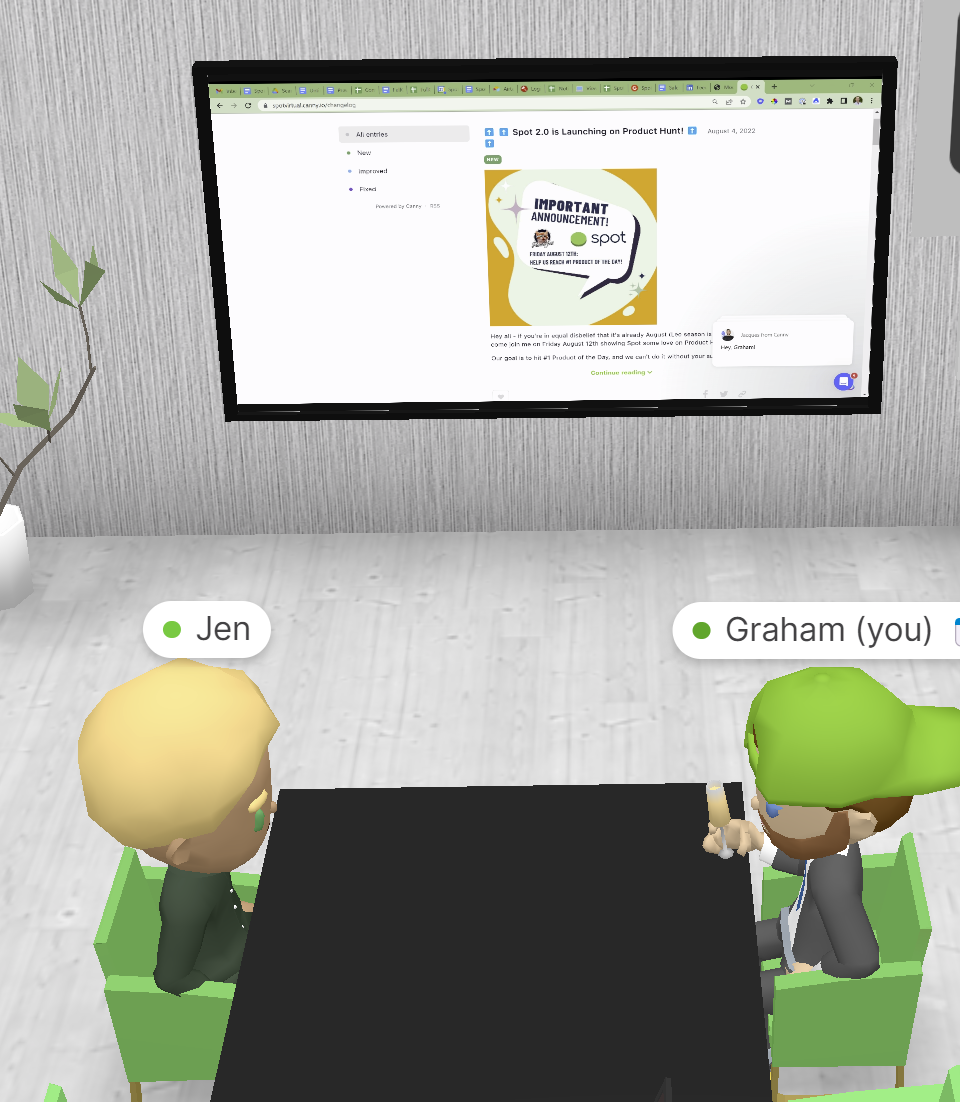
When they’ve shared against a Panel on the wall
If they’ve started an Instant Screen Share

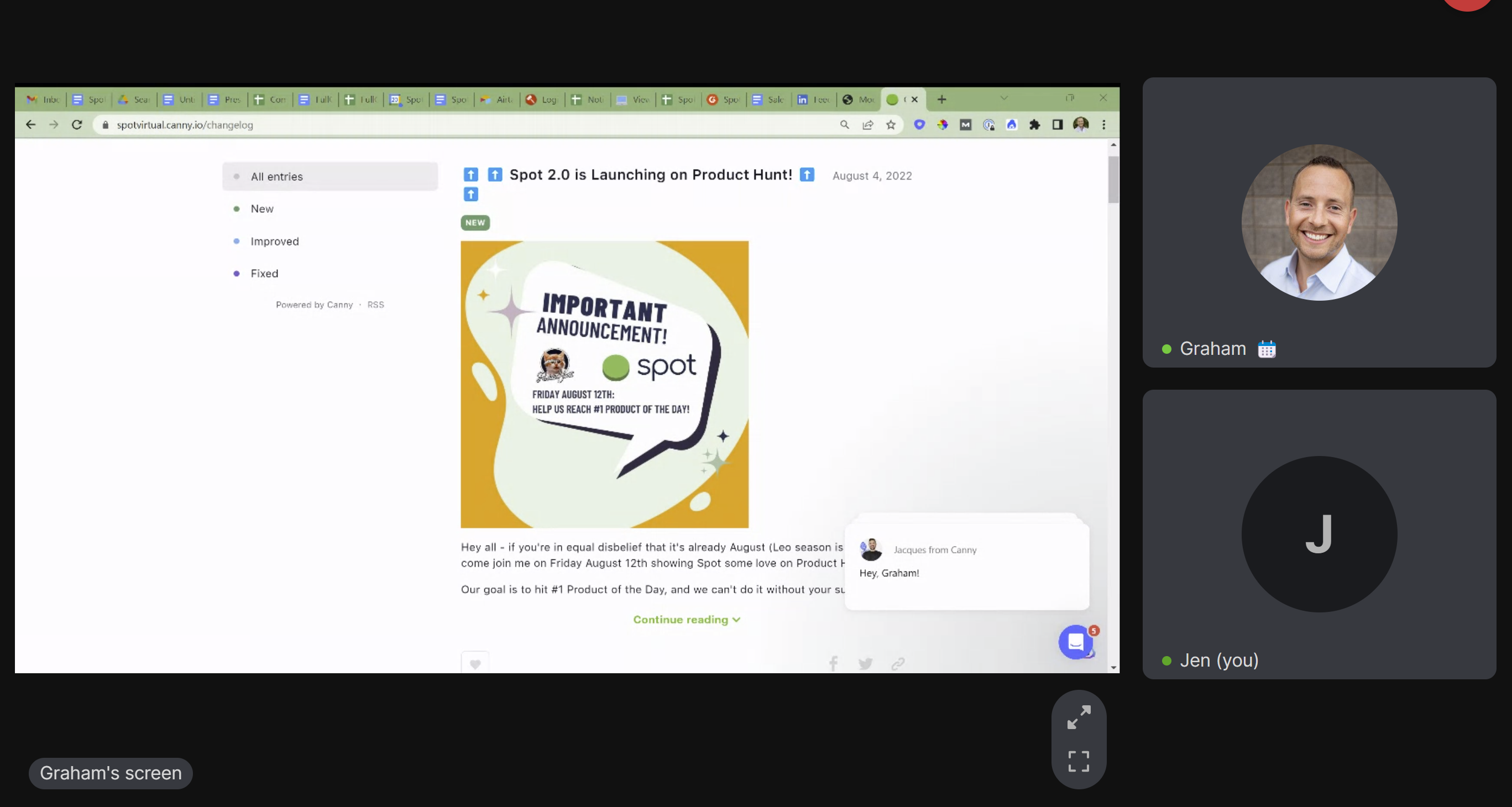
If someone has started sharing their screen against an existing screen on the wall, you’ll see a notification pop up across your screen that indicates it. You can click View to see their screen in a full screen view.
If you miss the notification, that’s alright! Just look around the office for the screen they’re sharing on, click it, and you’ll get a full screen view.
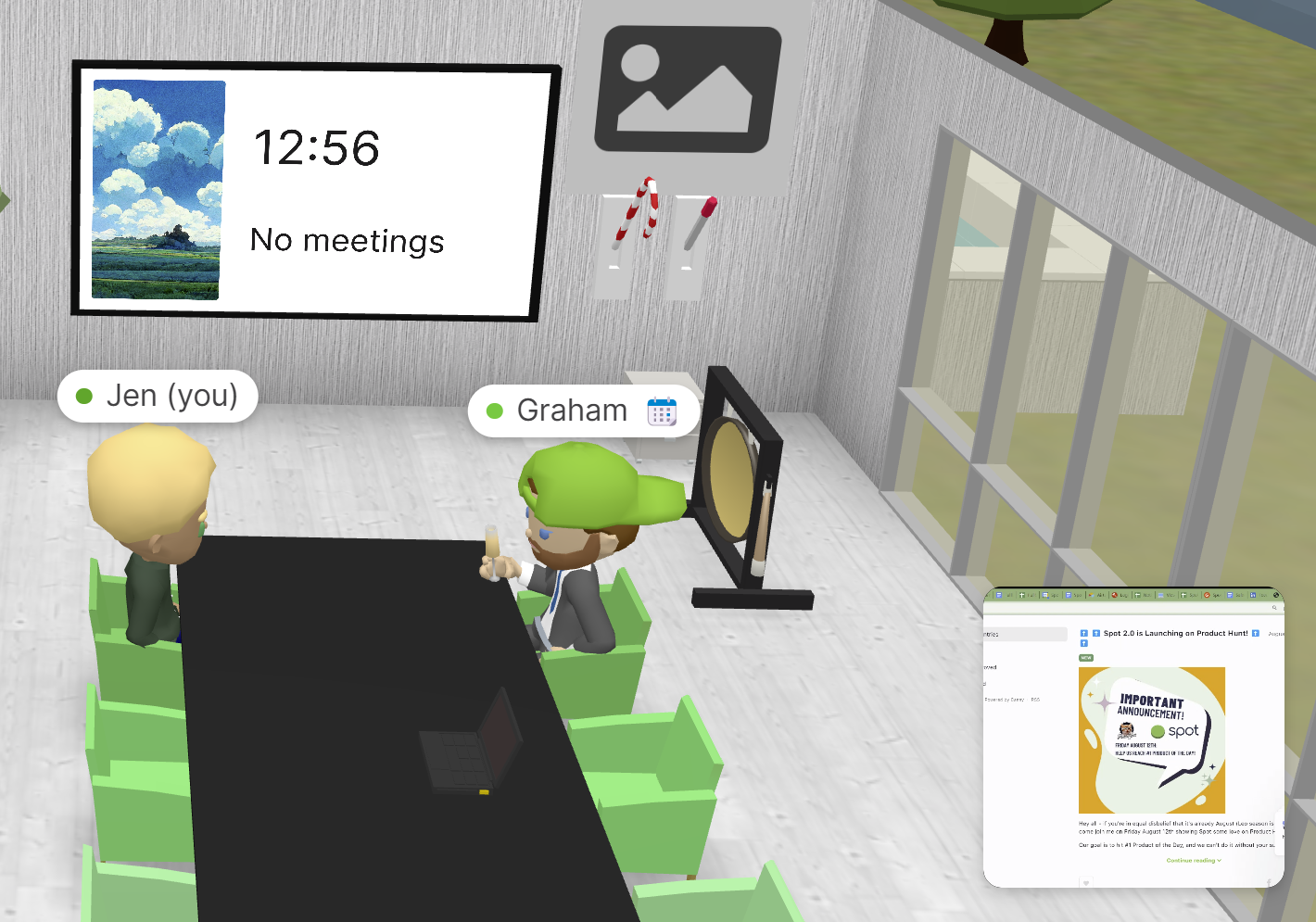
If they’ve started a screen share with their toolbar, you’ll get the same notification as above, as well as seeing their screen show up in the lower right hand corner of your screen.
All you need to do is click the screen in the bottom right corner of your screen to see it in a full screen view!