Room Messaging
Aside from channels, each room in your office has its own chat thread. Here’s a couple of tips!
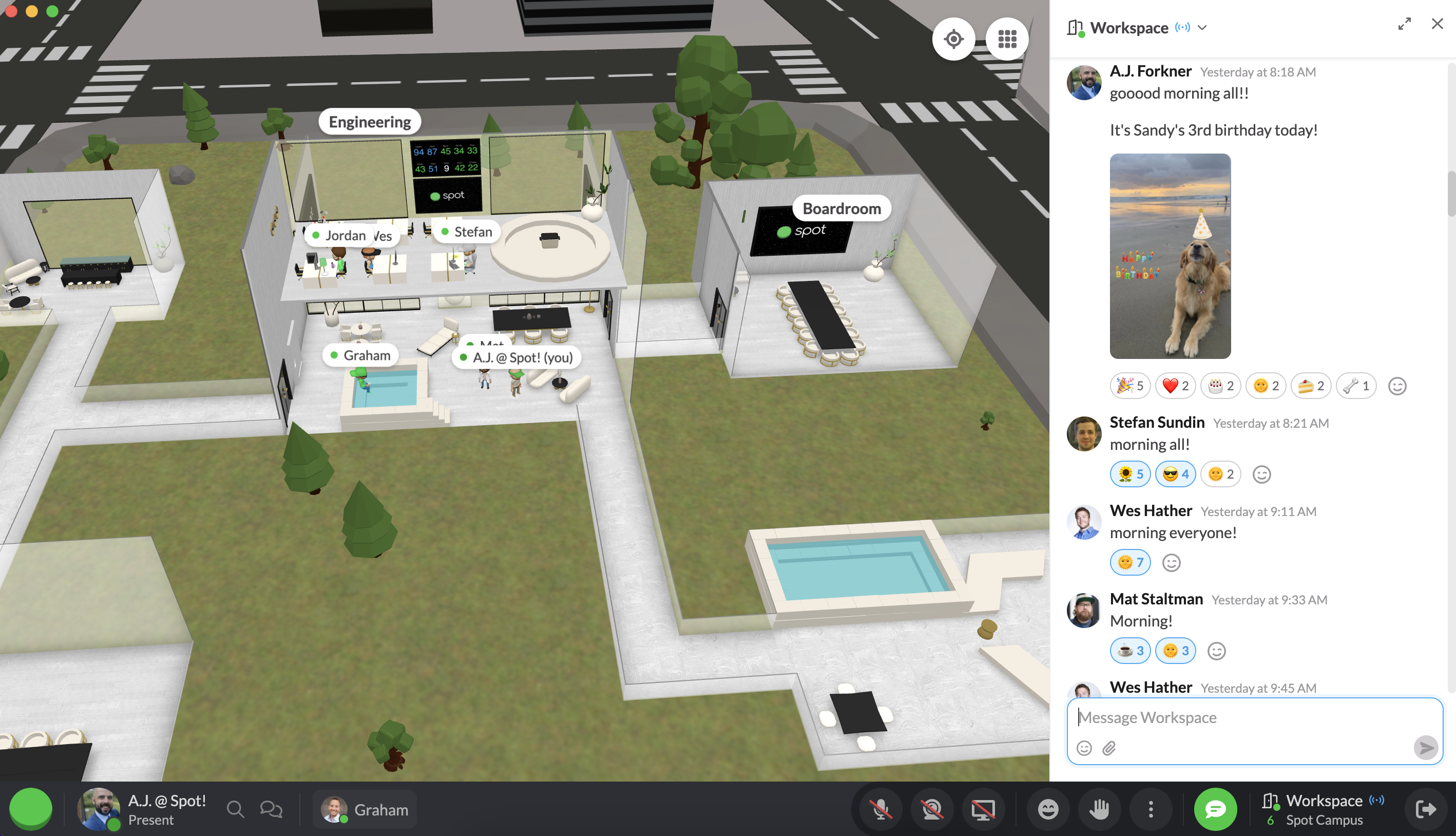
Our team starts each morning with a greeting to the whole team!
Please note: when you invite in a guest, they will NOT be able to see previous message history, only the room chat from the moment they join, onwards.
Accessing chat
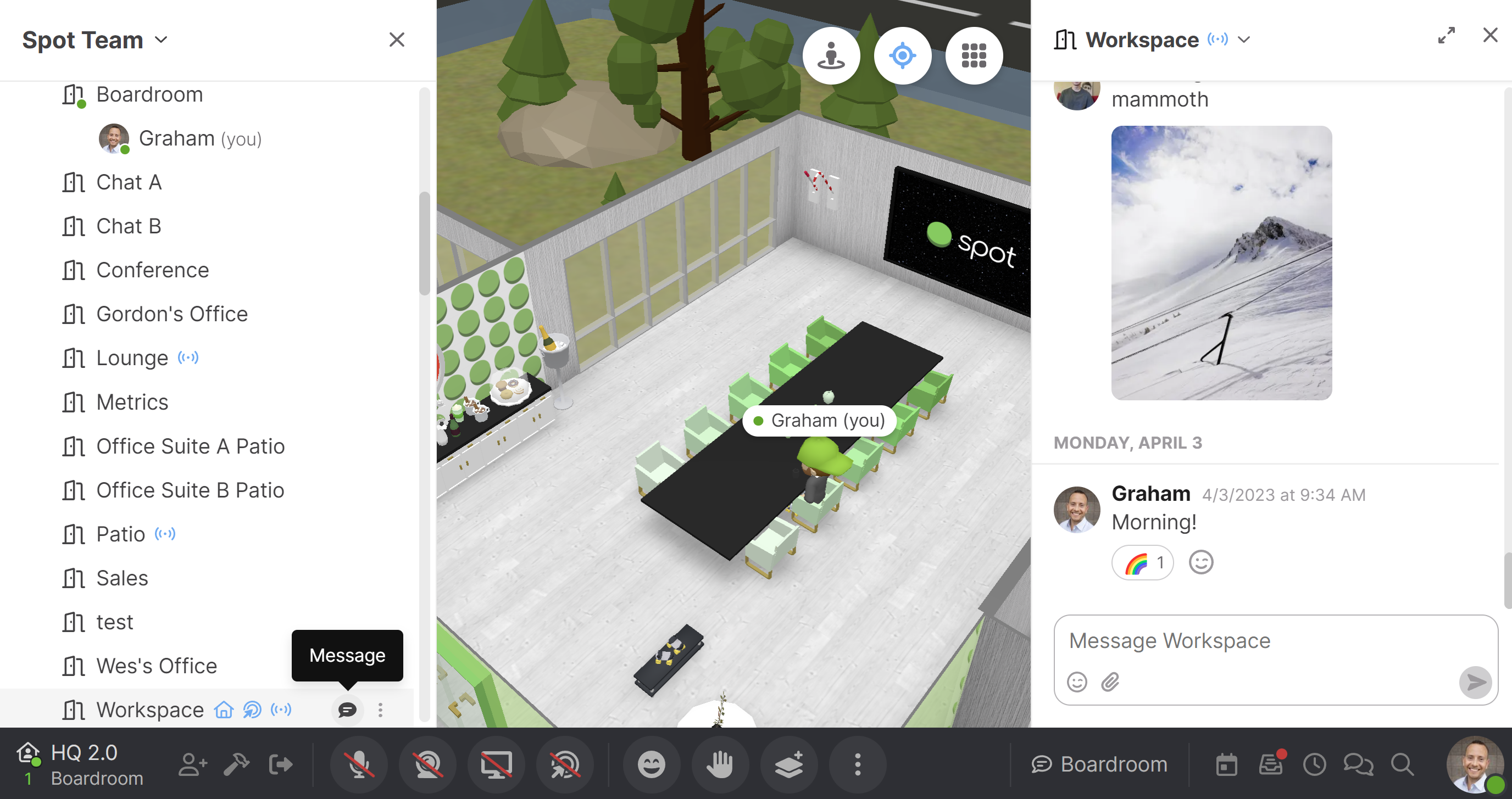
Let’s say you’re in the Boardroom, but want to keep an eye on what’s happening in Workspace. It’s easy to do!
Using @ notifications
In your left toolbar, just hover over the name of the workspace you’d like to stay active in, and look for the 💬 message icon.
You’ll see a new message thread pop up, that allows you to continue to interact, even if you’re in a different room.
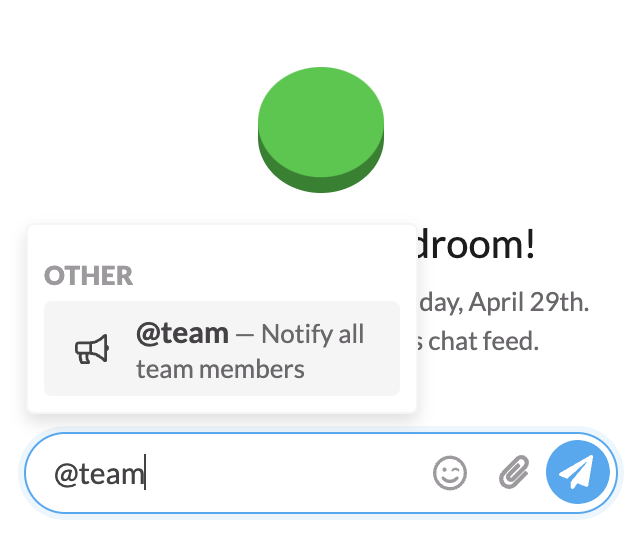
You can use @ notifications in the chat to send broadcast messages:
- @team will notify all team members of the message you’re about to send.
- @room will notify everyone that room.
- @RoleName will notify everyone that is assigned that role.
Search message history
Use Search this conversation in the room chat header to find past messages and shared files. See Searching messages for filters, search tips, and conversation previews.