Recording in Desktop App
Want to record a meeting? Make sure you have the Desktop App downloaded, then it’s a breeze!
Recording in Spot
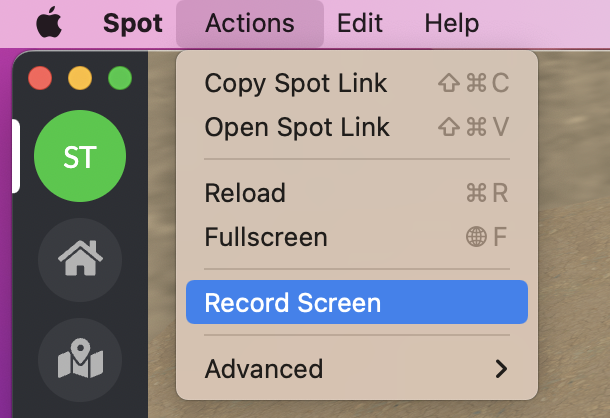
If you’re in the Desktop App - look for Actions across the top of your screen, then Record Screen.
PLEASE NOTE!!
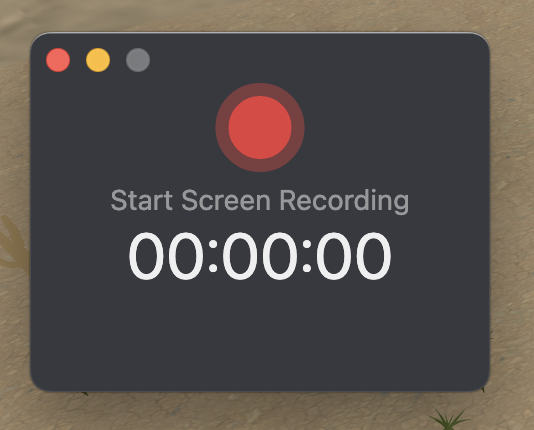
You’ll then get a popup, prompting you to start recording your screen.
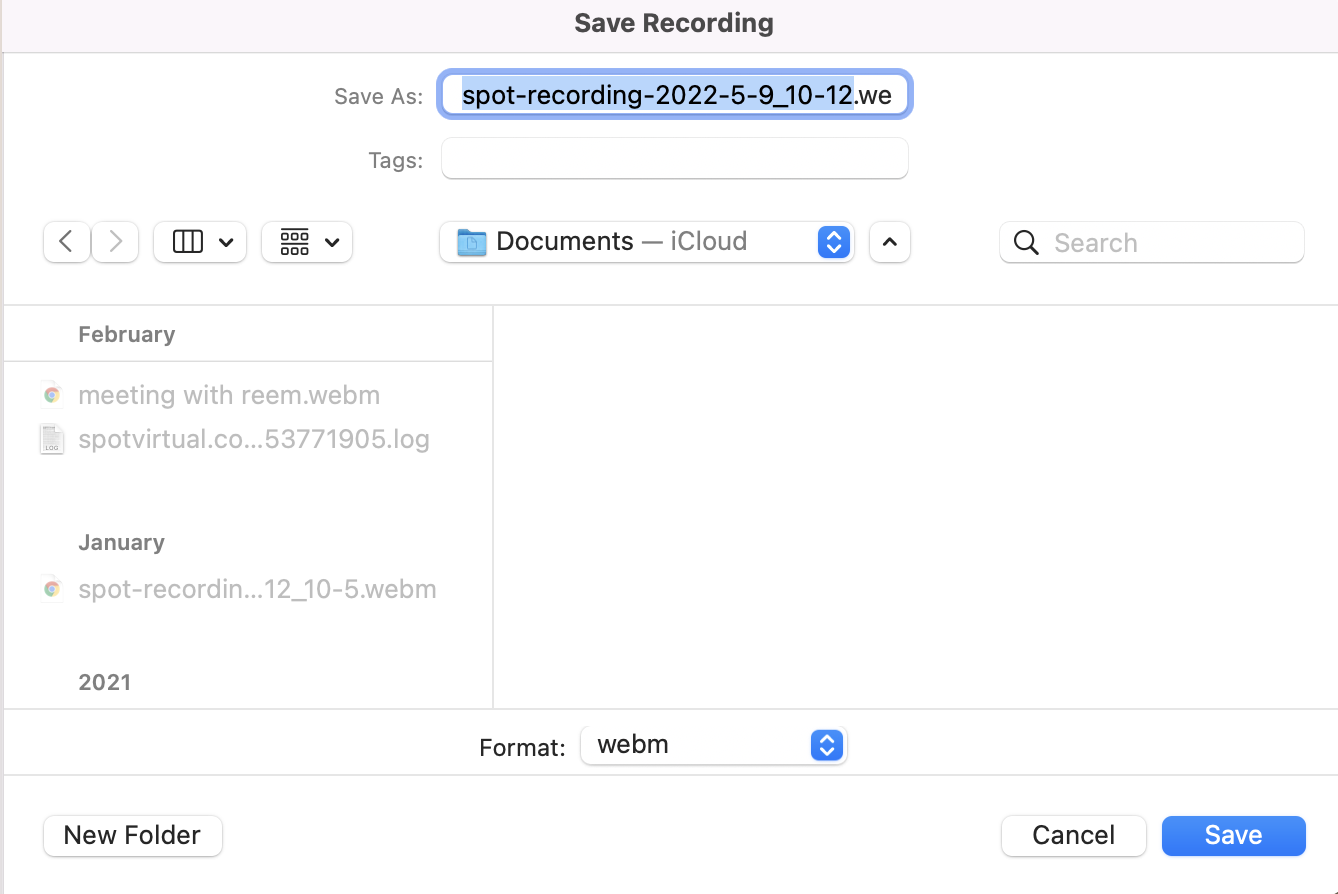
Once you’ve stopped recording, you’ll be prompted to save the file to your computer, in a .webm file.
Spot does not support cloud recording, so you’ll need to upload this file to your own cloud sharing service to share the recording.
Spot recording will record your entire Spot screen, including any direct or messages you pull up during the recording. Please be mindful of your screen while recording!