Headphones Mode
If you want to limit distractions, allowing you to focus on your task at hand, you’re in the right place!
-
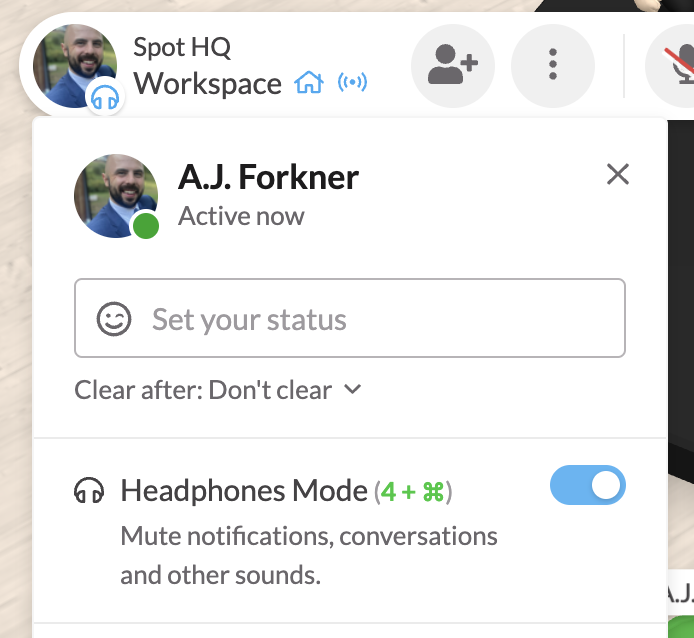
Click your Profile Picture (or intials) To enable Headphones Mode:
- Enable Headphones Mode
Once enabled, Headphones Mode will:
- Suppress notifications, conversations, and sounds
- Allow you to focus!
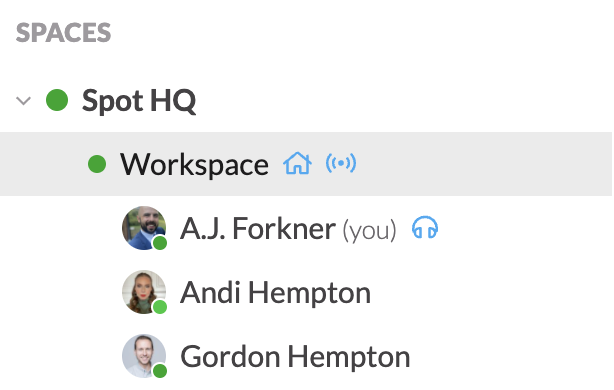
To see who else on your team is in Headphones Mode, just look in your left sidebar.