Notification Preferences
Are you a person with your phone on vibrate 24x7, or a customized ringtone set on max volume? Here’s how to adjust your notifications in Spot!
Adjusting Notifications
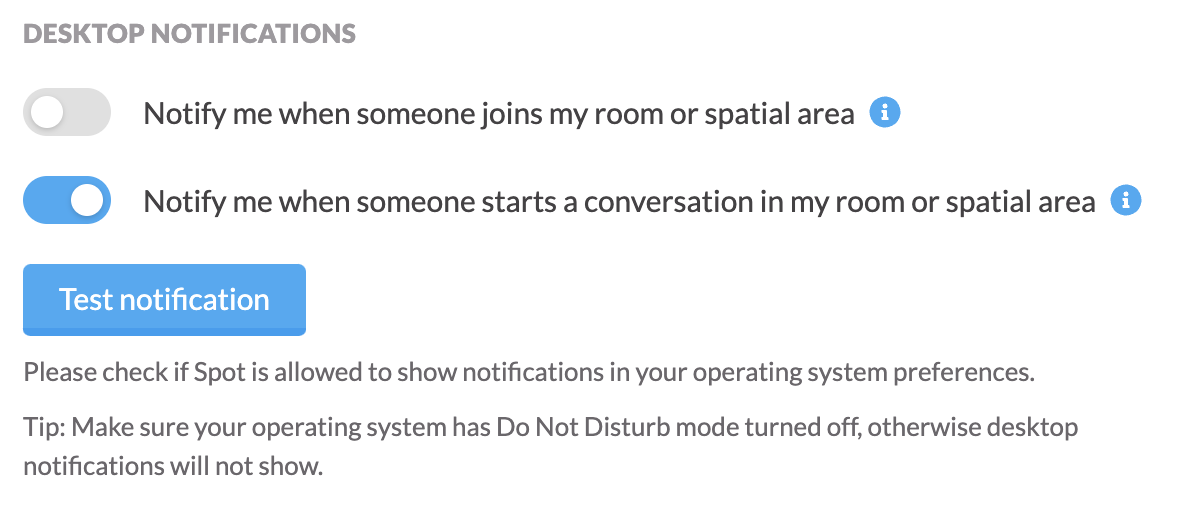
Desktop Notifications
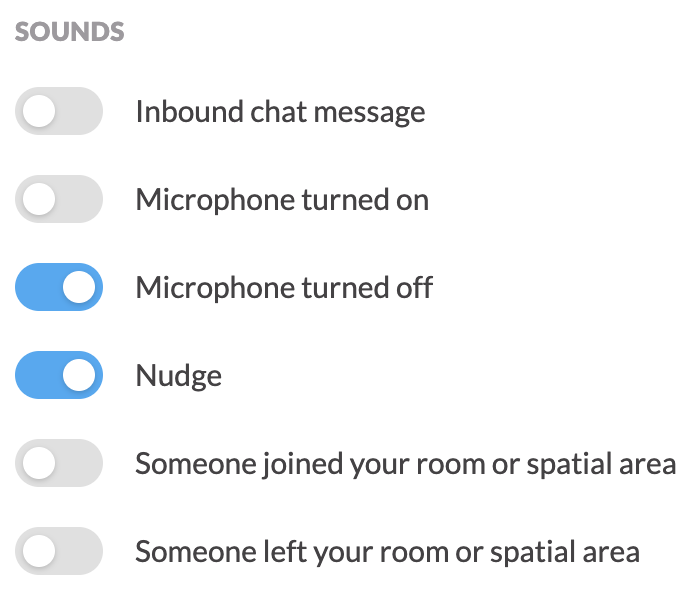
Sounds
Email Notifications

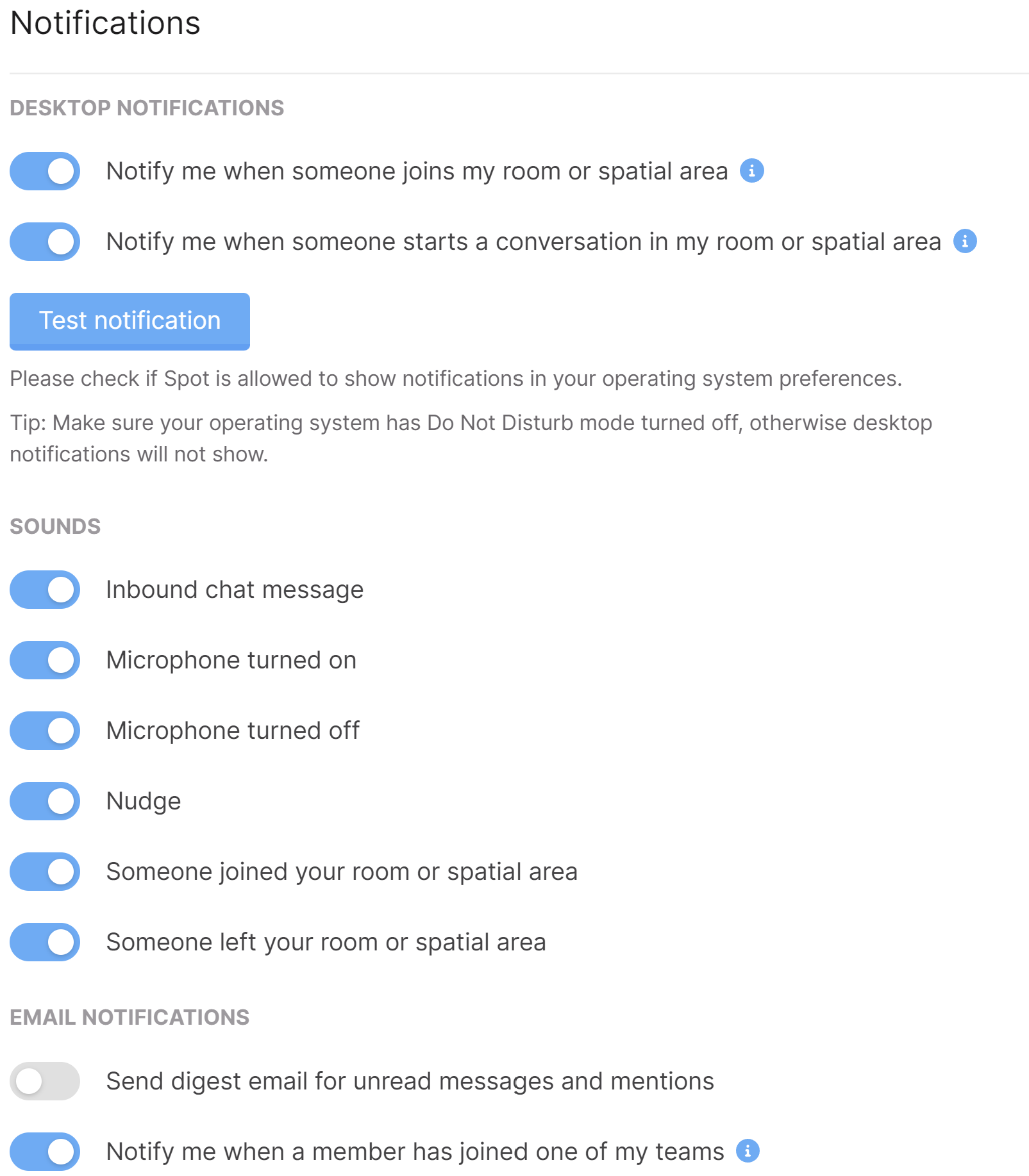
Navigate to User Settings → Notifications to see all available notifications.
I’ll cover each segment below!
Whether you’re on Windows or Mac, you can enable desktop notifications to notify you:
- Notify you when someone joins your room or spatial area
- Notify you when someone starts a conversation in your room or spatial area
You can set up audible (sound) notifications when:
- You receive an inbound chat message
- You turn your microphone on
- You turn your microphone off
- Someone nudges you
- Someone has joined your room or spatial area
- Someone left your room or spatial area
You will get an email digest of:
- Direct messages, and when you are (@) mentioned in room chats