Language Preference
Navigation to User Settings
Click on your profile on the lower right-hand side of your screen (toolbar) and select User Settings and scroll down under the My Account selection. Here’s how to do it:
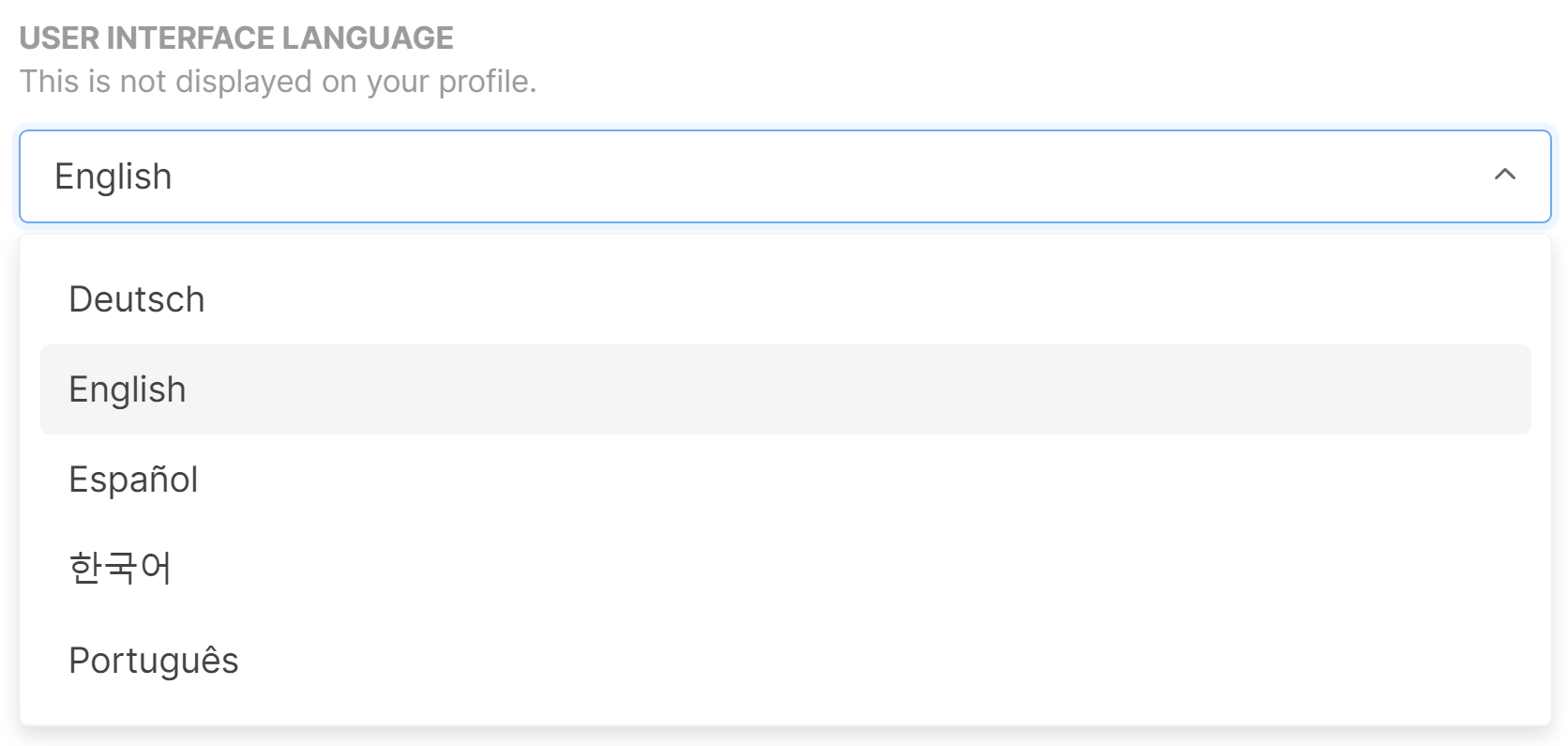
Language Choices
5 language choices
- English
- Korean
- Portugues
- Espanol
- Deutsch