Permissions required for screen sharing
If you’re running into any issues sharing your screen, this should help!
Mac Desktop App
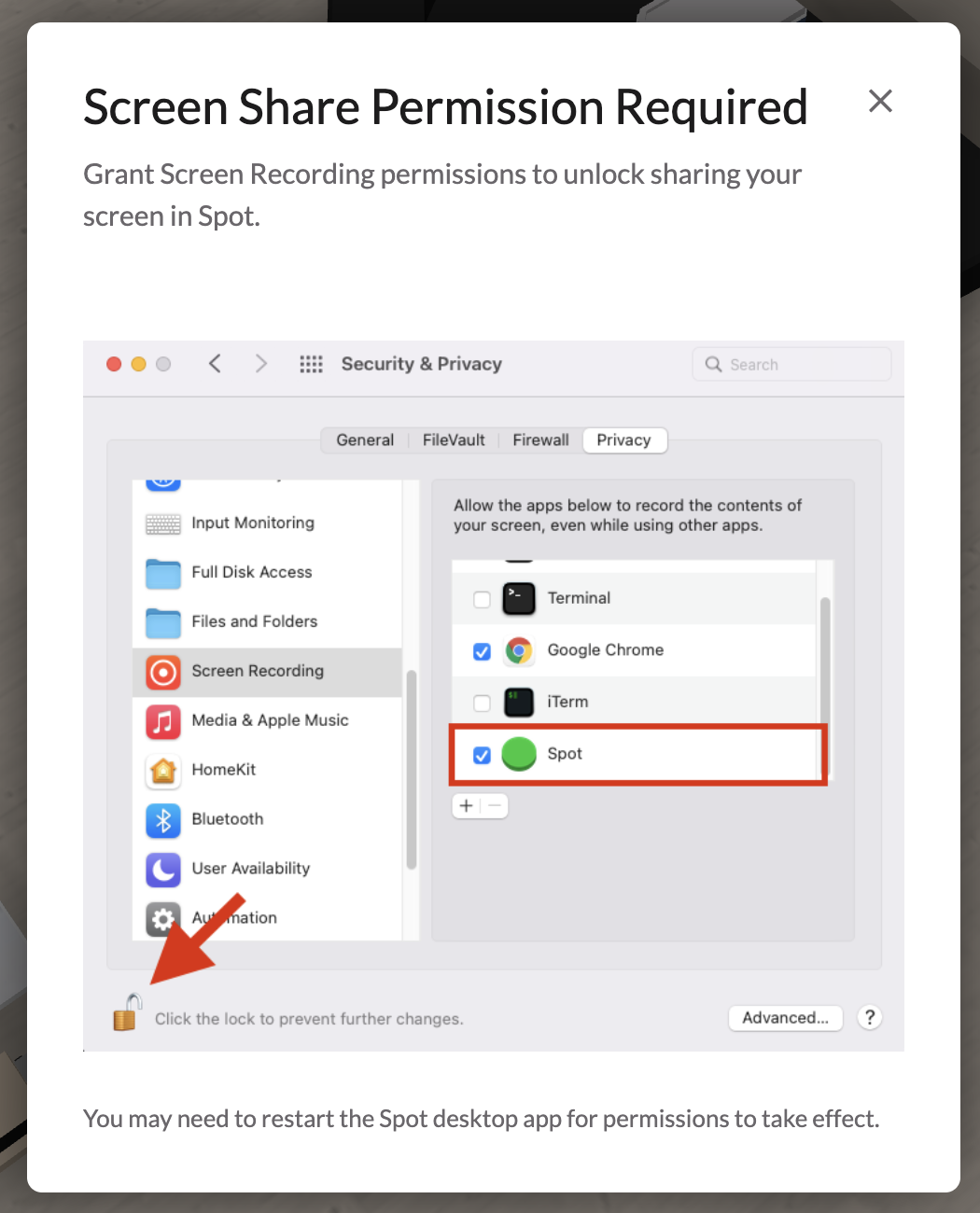
If you’re on the Mac Desktop App and run into this error, just follow the instructions on screen to enable screen sharing.
Please note you’ll need to restart your Spot app for settings to take effect.
If the Spot app is not in the list then use the + button and manually select the Spot app.
If the + button is not visible then you may want to check the following:
- Go to Sharing settings in System Settings and make sure Screen Sharing is enabled.
- If your user is not an administrator, make it an administrator and then try again.