Custom 3D Assets
If you ever want to customize your space a little bit more, we also have the ability for those with admin or build permissions and premium organizations to upload 3D assets of their own. Here are some guidelines on how to do so:
Our asset builder uses Blender for asset building as a standard
Designing Your Assets
- Keep the file sizes small & compact, the standard textures are 16x16
- Keep the polygon count low, unless you are making a big piece such as a couch or hot tub.
- Recommended count: < 250
- The recommended file to export with is a .glb which will include the texture with the mesh in the file
After you have built your asset(s) to your liking, here is how to manage them in the Spot environment:
Step One
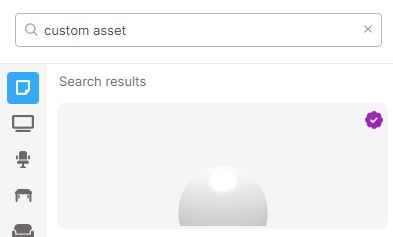
First, search for the “custom asset” in Build Mode
Step Two
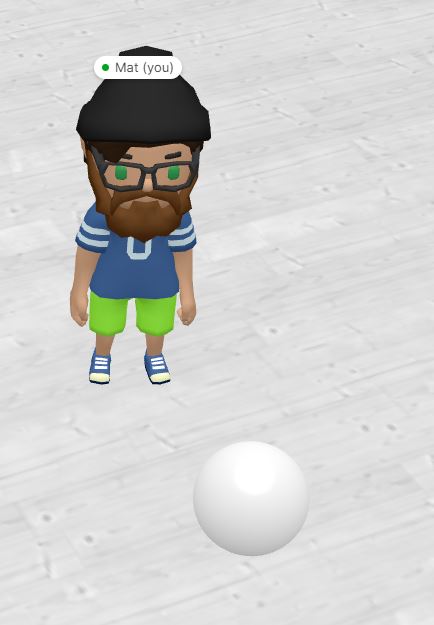
Then, place the asset into your environment to test and customize within the world editor
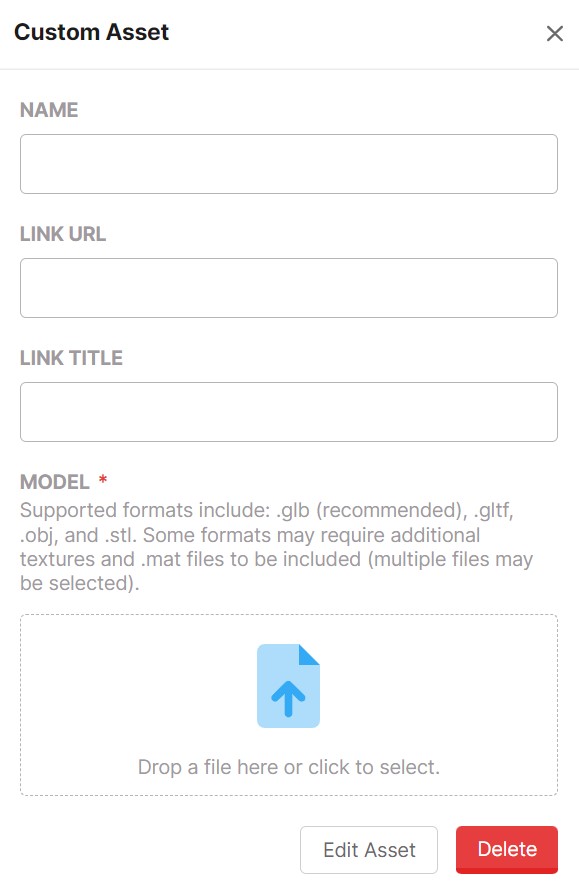
After uploading your model, you should be done!