Bad audio connection
If you’re having a bad audio connection in Spot, try these out:
1) If you’re accessing via a VPN, either disable the VPN or follow these steps.
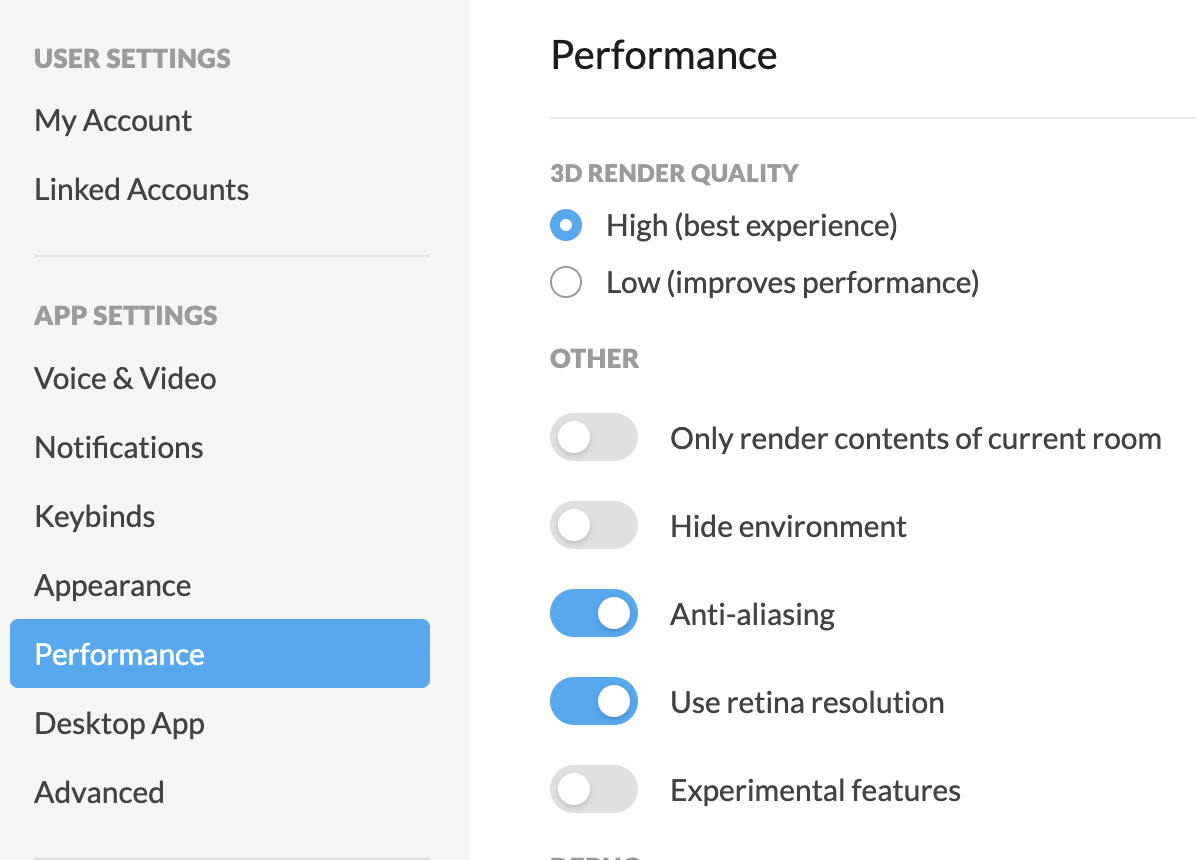
2) Navigate to User Settings → Performance and under 3D Render Quality, choose Low (improves performance). This should help optimize audio.
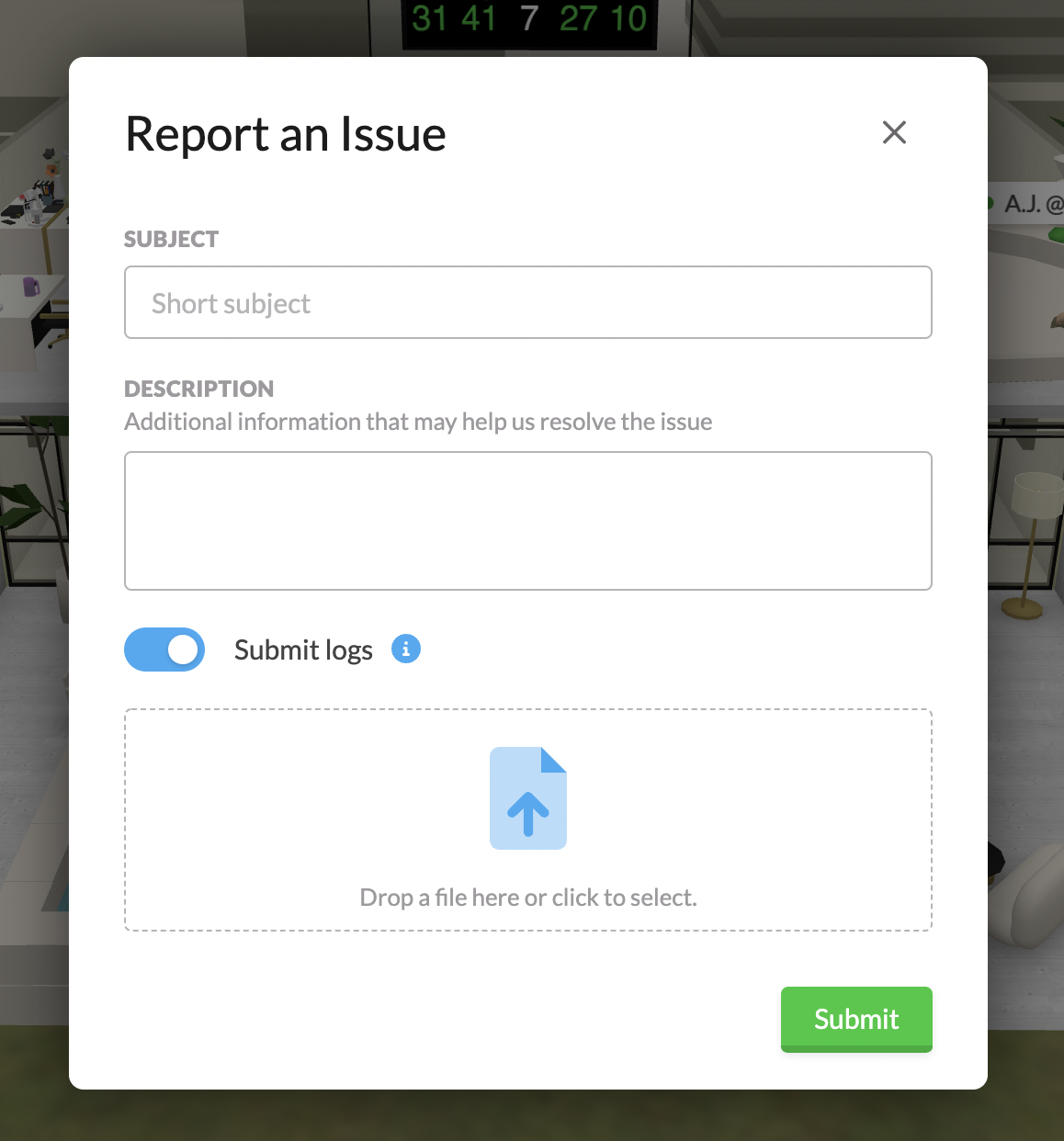
3) If the issue still persists, and you’re in the desktop app, along the top of your screen select Help → Report an Issue. Let us know what’s wrong, and ensure that Submit logs is enabled.
If you’re still having issues, drop us a note at support@spotvirtual.com!