Shared browser
You can create a shared web browser in Spot using the “Shared browser” panel button.
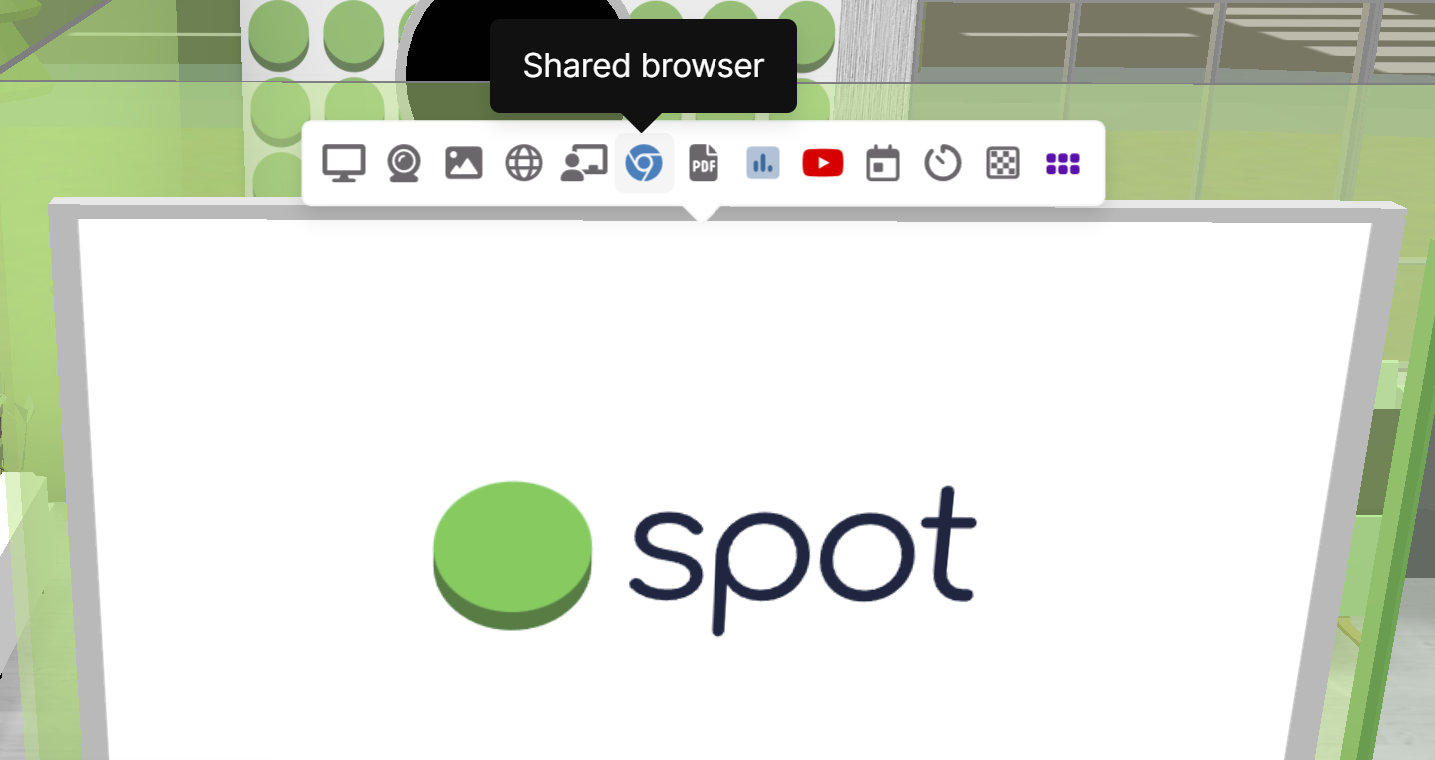
The shared browser is powered by Hyperbeam, a third party company, and your use is governed by their Terms of Service and Privacy Policy.
It is important to explain what makes the shared browser different from the “Share website” feature that also exists. When you use the “Share website” feature, the website is embedded inside of Spot by means of an “iframe” (technical explanation here). The upside of iframes is that they are completely free and you can use as many of them as you’d like. The downside is that not all websites can be loaded using an iframe (website authors can configure their website to not allow them to be embedded elsewhere on the web).
The shared browser is backed by a virtual computer in the cloud. This means that your usage may be limited. This has some additional implications in that the web browser will be turned off automatically if no one has interacted with it for a certain amount of time. If a shared browser is turned off or it expires due to inactivity, its session will not be retained and the next time you start it you have to log in to any websites you may have logged in to previously.
There are many benefits of a shared browser. The most significant is that everyone in the room sees the same screen. Any audio and video playback is synchronized among all participants, and anyone in the room can control the browser. There is a volume control that only controls your local volume (it will not change the volume for other people in the room). You can also expand the browser to full screen mode at the same time that you are using your microphone in Spot. This can make meetings and presentations more efficient and a lot more fun.
Shared browser usage is limited during your free trial and on paid plans. Spot's free trial is temporary; you need a paid plan to continue using Spot after it ends. Please contact us at sales@spotvirtual.com for current shared browser limits or to ask about higher limits.
We have a few planned improvements to the shared browser:
- The ability to decide who can control the shared browser. At the moment everyone in the room can control it.
- The ability to save the browser session state and resume it later. As mentioned above, currently nothing is kept when a shared browser is turned off. This means that you have to log in to websites again.
- If you delete an office with a shared browser running in it, the shared browser will continue running in the cloud but unless you opened it in a new tab before the office was deleted, you will be unable to regain control of the shared browser. The browser will automatically time out after a few minutes, but until that happens you may be unable to create a new shared browser.
If you have any feature suggestions or ideas regarding the shared browser feature, please let us know at feedback.spotvirtual.com.