Customizing your Avatar
Without a doubt, one of the most fun things in Spot! Let’s dive into how to customize your avatar!
Changing your Avatar
You can change your avatar by going to:
- User Settings → Change Avatar
- Hover over your Avatar → Change Avatar
- Your profile → Change Avatar
Now on to the fun stuff!
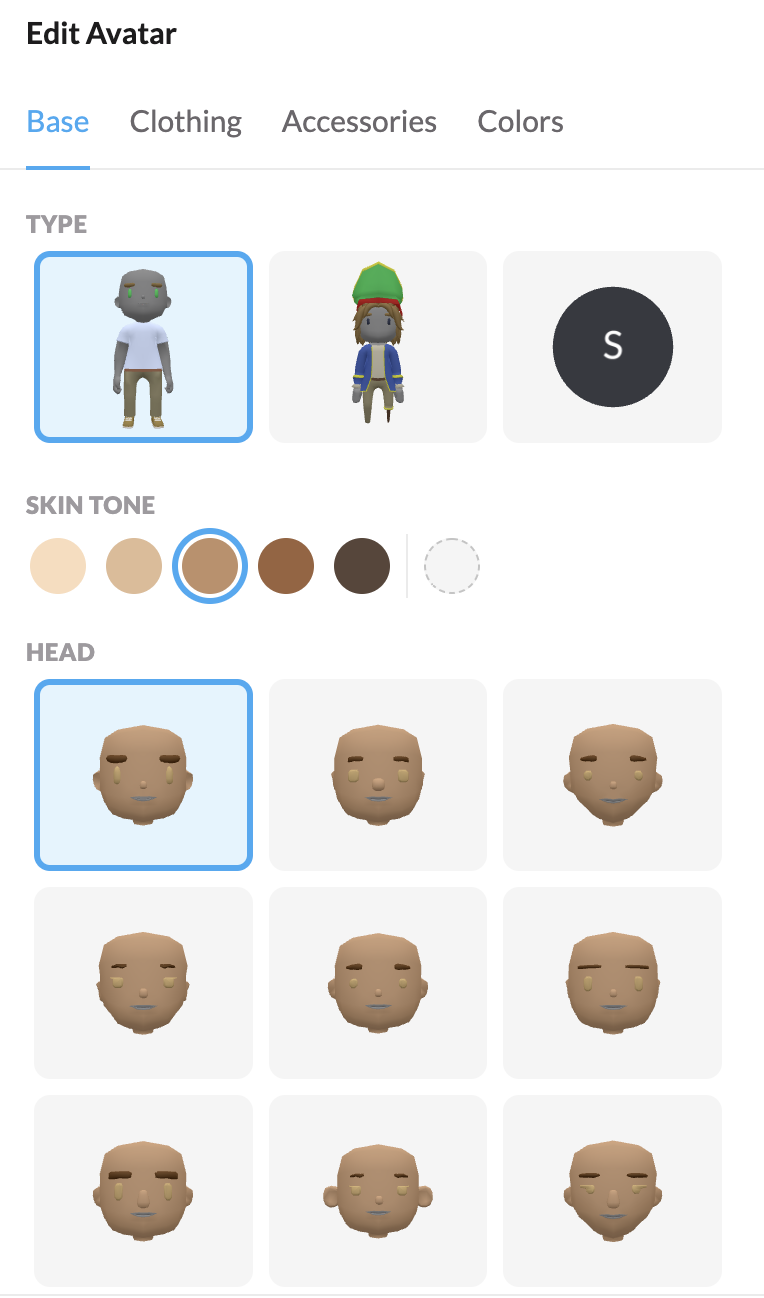
Avatar picker gives you an incredible ability to choose everything from:
- Your facial structure
- Your clothing
- Adding accessories to your avatar
- Selecting colors
- and tons more!!