Selecting and applying brand colors
Check out the video above for some pro tips on how to use our Theming function (available to anyone who has the ability to Edit World in your Spot office).
*Please note, theming will only work in office templates that have been designed as Customizable Spaces in our existing templates. If you have any questions about this, please contact Support@spotvirtual.com
Theming walk through:
Here is where you quickly change and customize your office to match your company’s brand. With this new tool you can have a custom branded office within seconds that is balanced, palatable and proudly lets you be in a space that represents your company. We call this theming.
Let’s get to it!
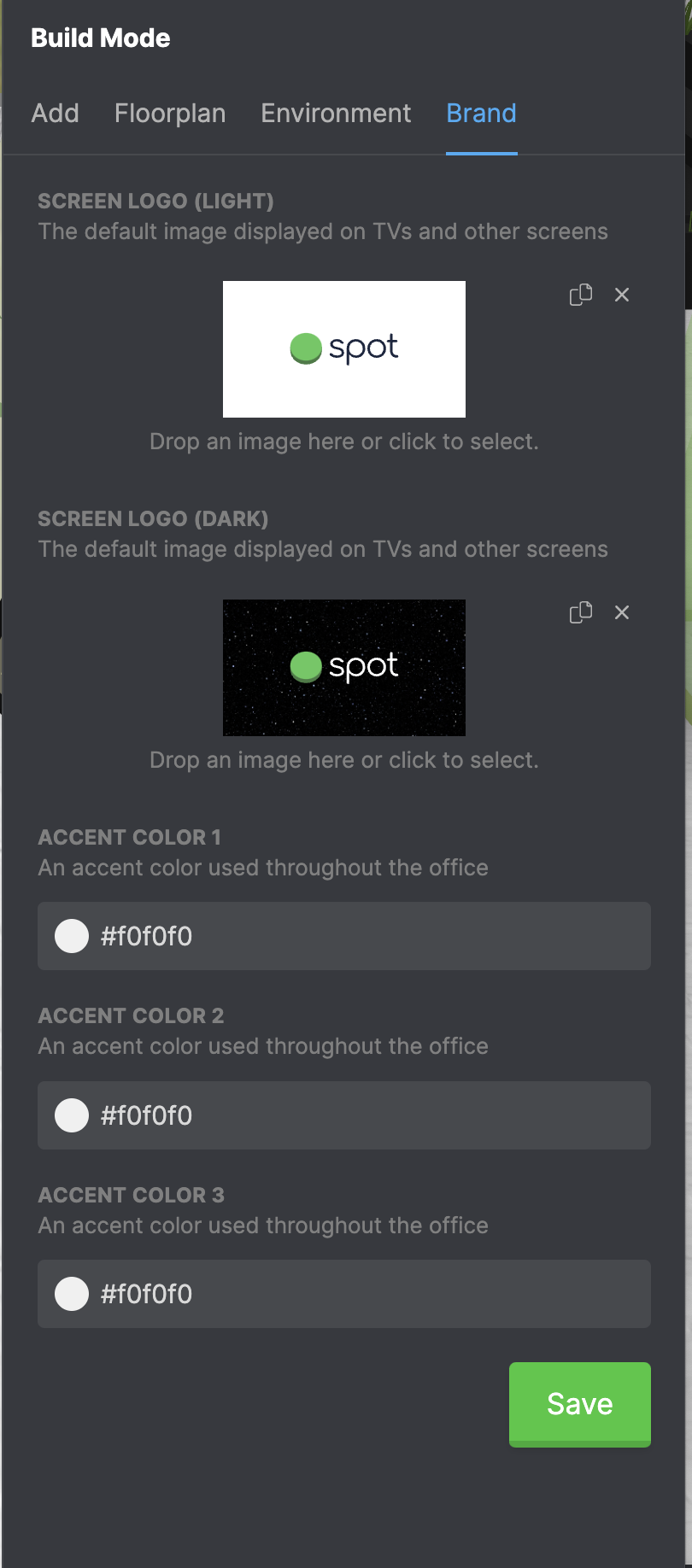
1) Click on build mode. Look for the tab on the far right that says Brand.
2) You’ll see that all colors are set to white, with Spot logos for screens. Now is the time to get creative. See step 4 for more info on color selection.
Pro tip: have your company’s media or branding kit handy to pull images and branding Hex Codes or approved brand colors from there.
Extra Pro Tip: if your company doesn’t have a brand kit, use a tool like Color Slurp, to pull brand colors off your website.
3) To add your logo to all the screens in the office, just drag and drop your logo into both “SCREEN LOGO” modals.
4) Now it’s time to select colors:
Adding your “Accent Colors” comes with a little bit of thought so I want to walk you through it.
One thing to note: when you add in the color and logos they will not appear until you click save.
Depending on how many brand colors you have in your pallet Accent Colors 1, 2 & 3 need to be filled out, so here is the rule of thumb when it comes to adding these
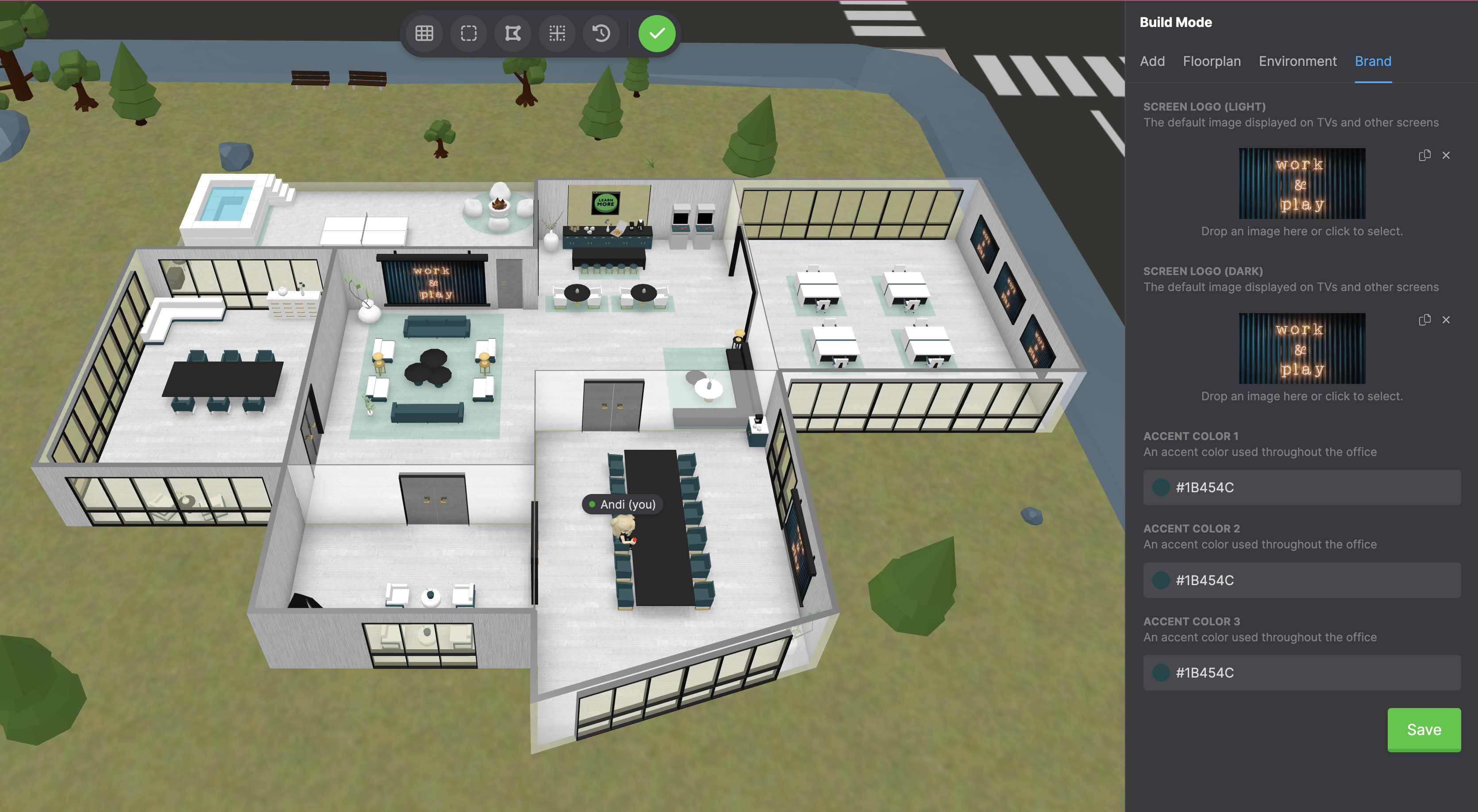
- ONE Branding color: accent color 1,2 & 3 should all be that color.
If your color is very bright you could make accent color 2 a light gray and accent color 3 white.
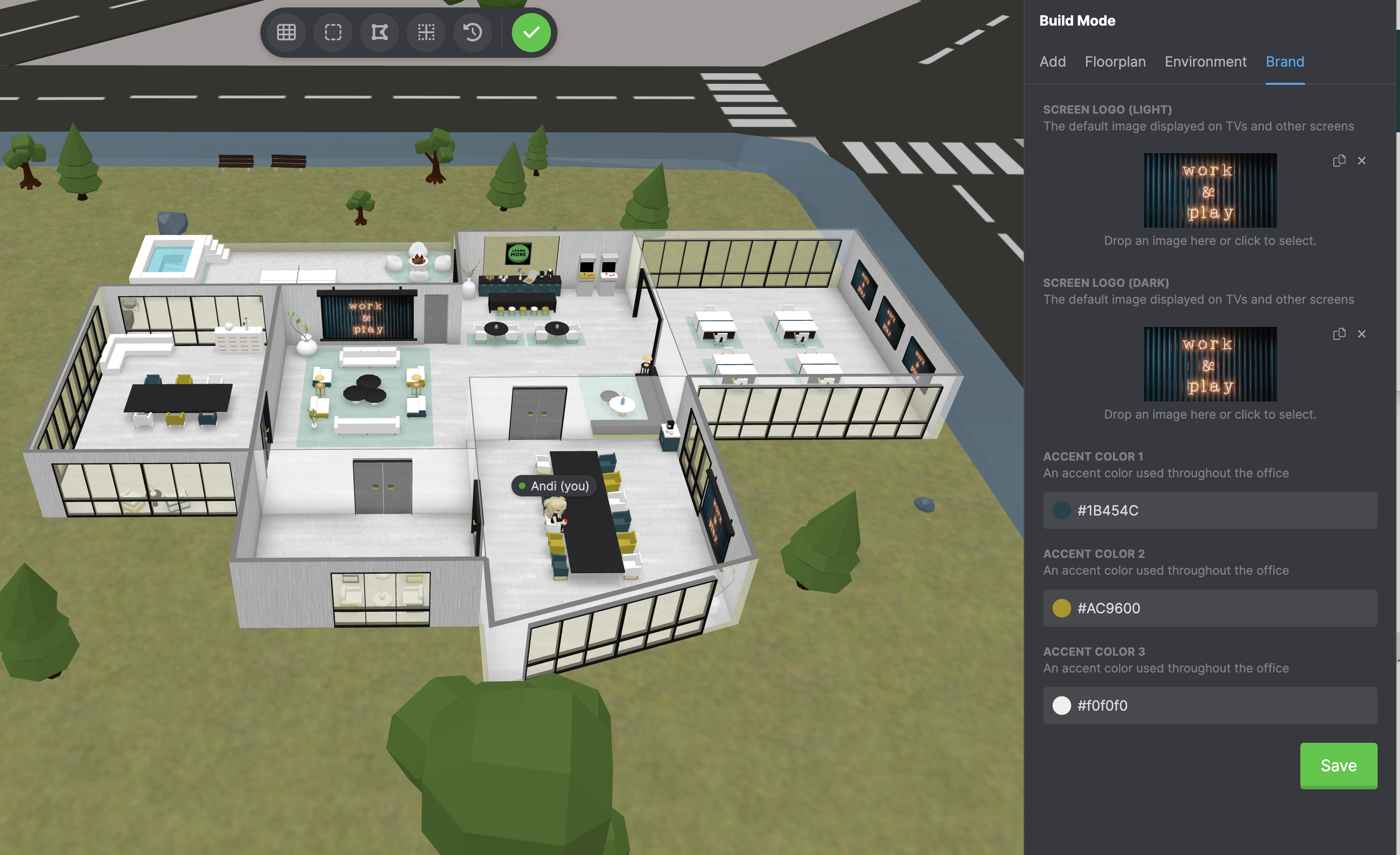
2. TWO Branding colors: 1 should be your most prominent color, 2 should be your secondary color and 3 would look best white.
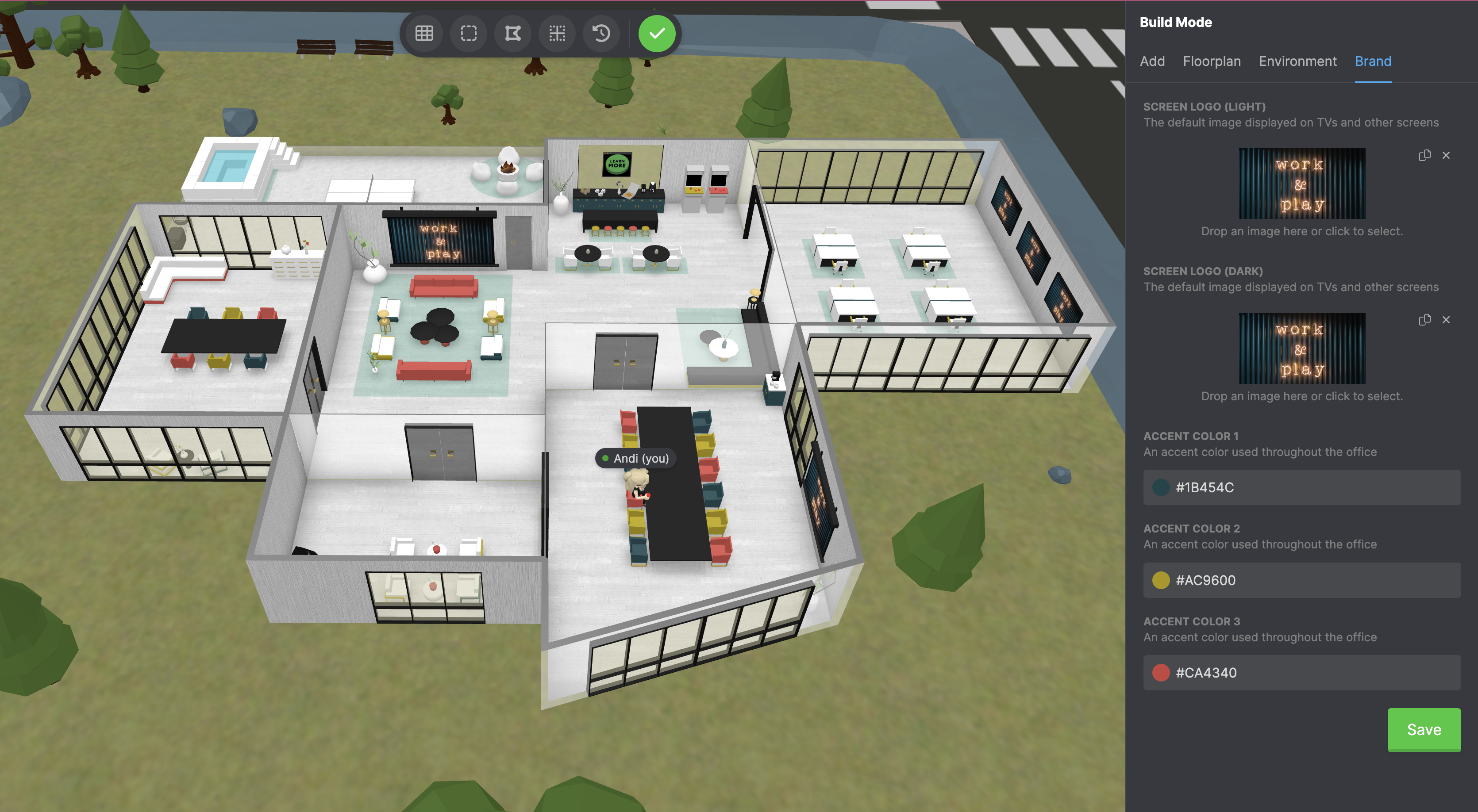
3. THREE branding colors: 1 should be your most prominent color, 2 should be your secondary color and 3 should be your third color.
And that is how you custom brand your office.