How To Change Wall Size
This tutorial will go more into depth on how to change your wall size for a more customized office space or to add seasonal decor to your space.
Enter Build Mode
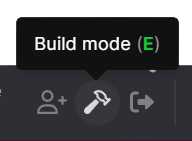
The first thing you will need to do is enter Build Mode in the space where you want to make the changes. This can be done by selecting this icon from your toolbar. Note: You have to have admin privileges to see build mode in your toolbar
Enter the Floor Plan Editor
At the top of your screen in Build Mode, select the

Change Wall Thickness
In this editor is where you can alter the wall thickness as shown in the image below. It is recommended to have a thickness of 0.08 for assets that may sit on top of walls. The standard is 0.32.
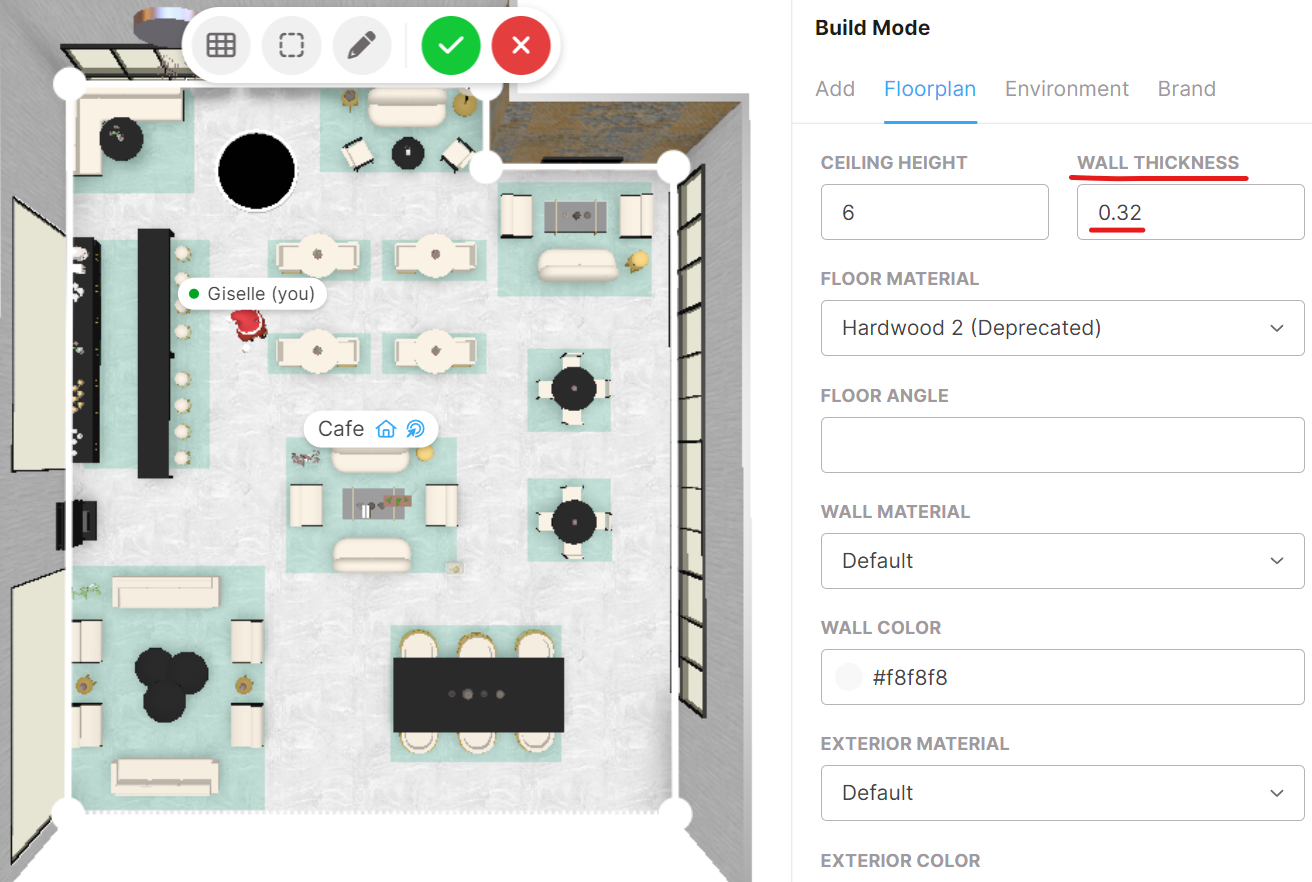
Hit the green check at the top to save your changes and exit Build Mode.