Navigating around the office
You can navigate around the office a variety of ways:
- Point and click using the 🟢 cursor - your avatar will move to wherever you click.
- Double click to teleport to a location.
- Use your keyboard: WASD or arrow keys. (Hold shift for a speed boost!)
- Use the left sidebar: expand a space and click a room. You’ll be teleported to the room.
- Cmd + K (Mac) or Ctrl + K (Windows), type in a room name, and click Go To.
Easy as that! Have fun navigating the office!!
Video tutorial
Avatar Movement
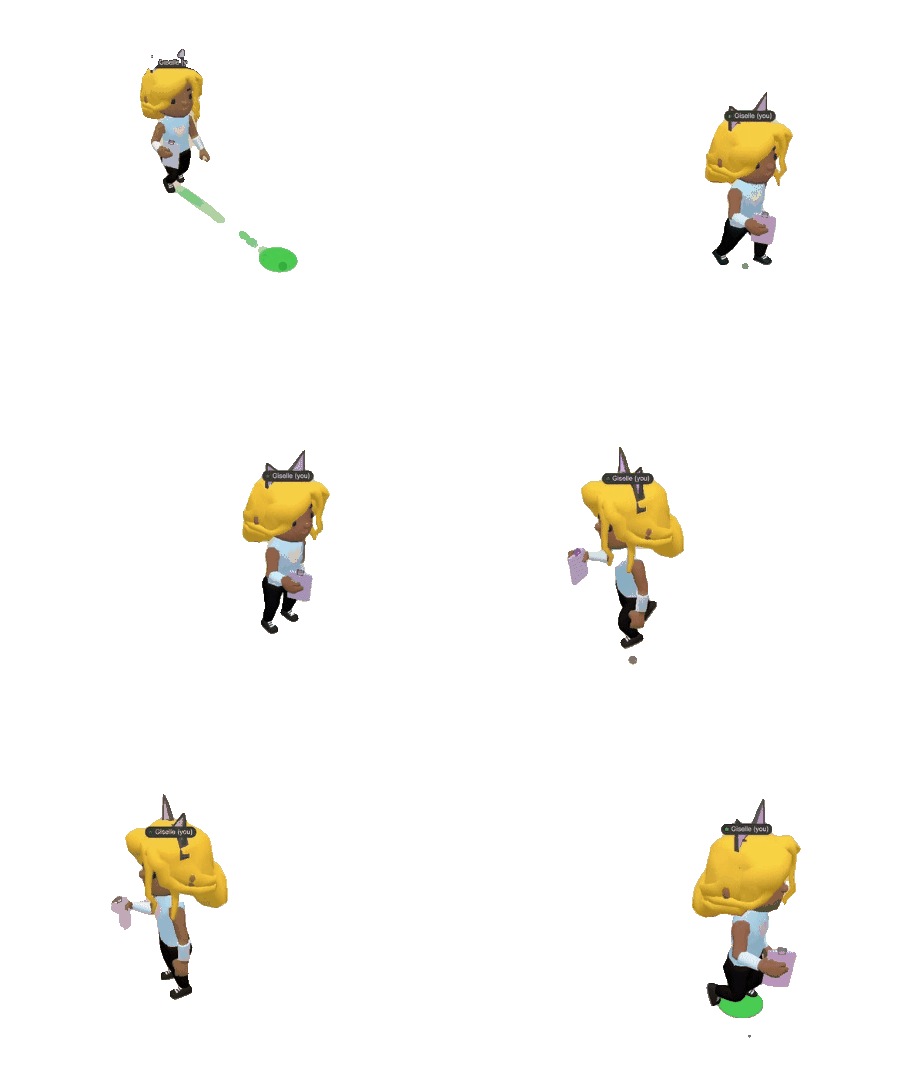
Use WASD keys to move your avatar or left click to make your avatar walk to a position

Camera Movement
Left or Right Click and drag with your mouse or trackpad to move your camera angle around your screen.


Perspective
Use these icons to change your perspective as you see fit