Starting a group direct message
Starting a direct message with a group is easy, here’s how!
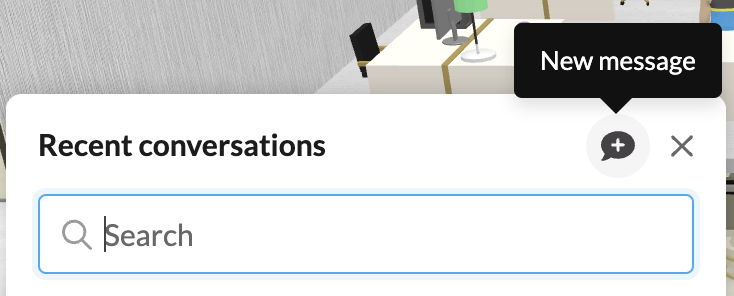
In the lower left of your screen, look for the two messages icon (or use Quick Search - Cmd + K on Mac, Ctrl + K on Windows)
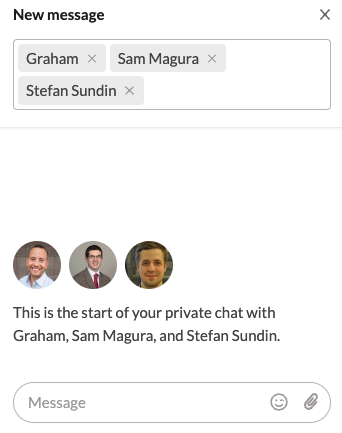
Start typing the names of people you’d like to start a group chat with.
Easy as that!!