Starting a Direct Message
Asynchronous communication will help your productivity, and increase your productivity. There’s a variety of ways to start a Direct Message. Check them out below!
Direct or Group Message
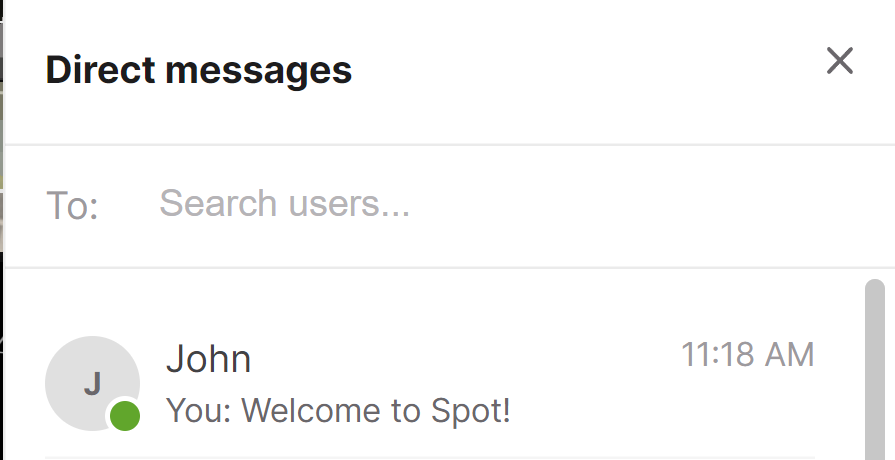
Start typing in the “To:” section to start a new direct message or start a group message.
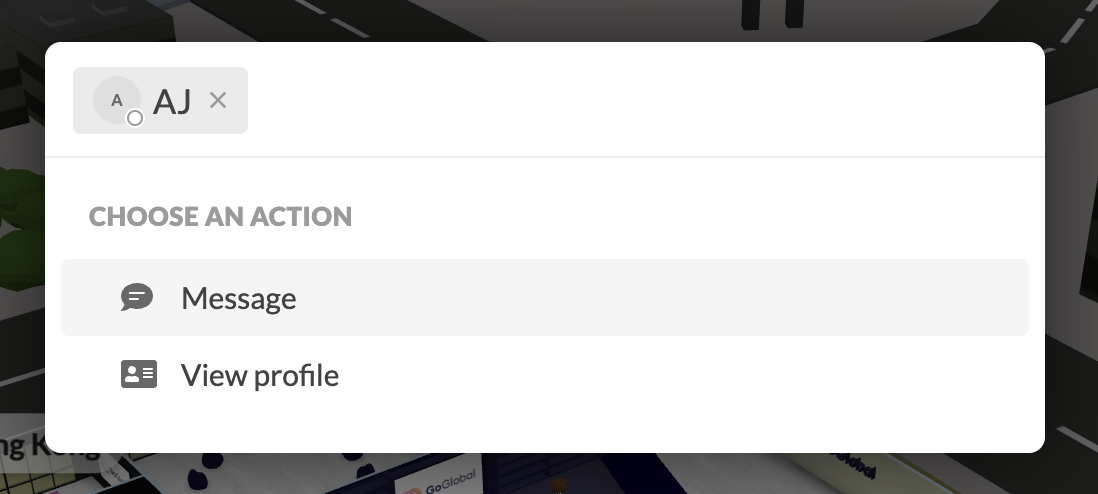
Quick Search
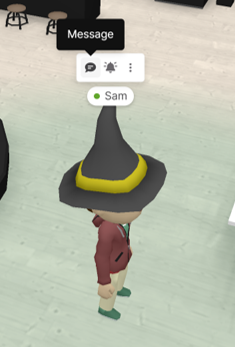
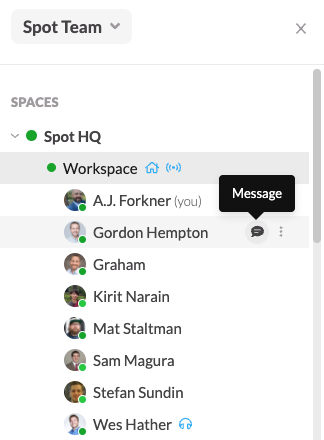
Hover their Avatar
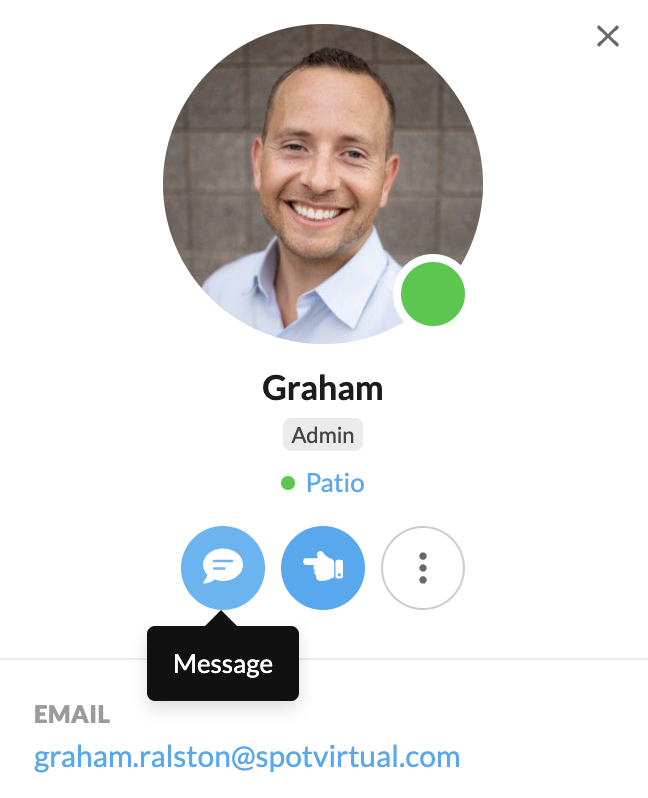
From their Profile
From the sidebar
By using the magnifying glass in the bottom right corner of your screen (Cmd + K on Mac or Ctrl + K on Windows), you can type in someone’s name, and start a conversation with them.
As you hover over an avatar, you’ll see the 💬 message icon, which will start a direct message with that person. You can also click their avatar.
Look for the 💬 message icon on the right hand side of your page in their Profile.
Click their name in the sidebar.
Search message history
Use Search this conversation in a direct message header to find past messages and shared files. See Searching messages for filters, search tips, and conversation previews.