Team Settings
The Team Settings in the Spot app allow users to manage and customize team-related features in the app. Users can invite team members, set team roles and permissions, and manage team notifications. This feature is especially useful for organizations, businesses, or any group that needs to collaborate and communicate within the app. With Team Settings, users can ensure the right people have access to the right information and features, making collaboration more efficient and effective.
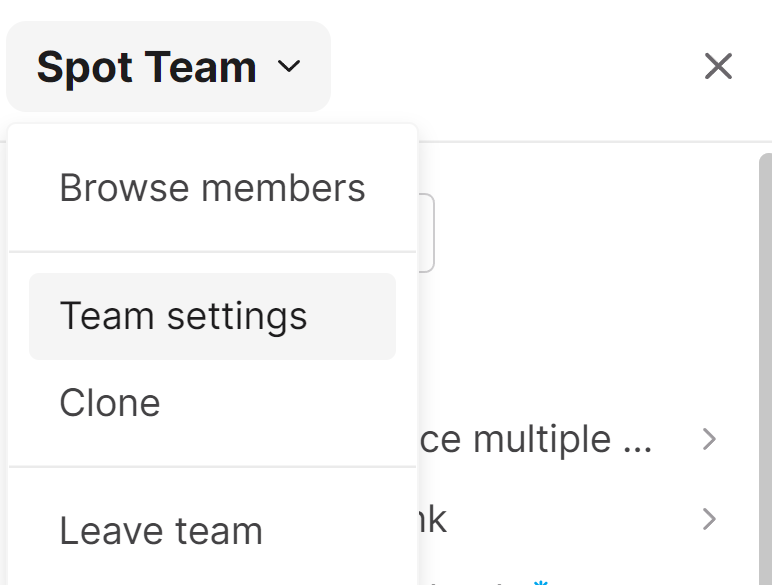
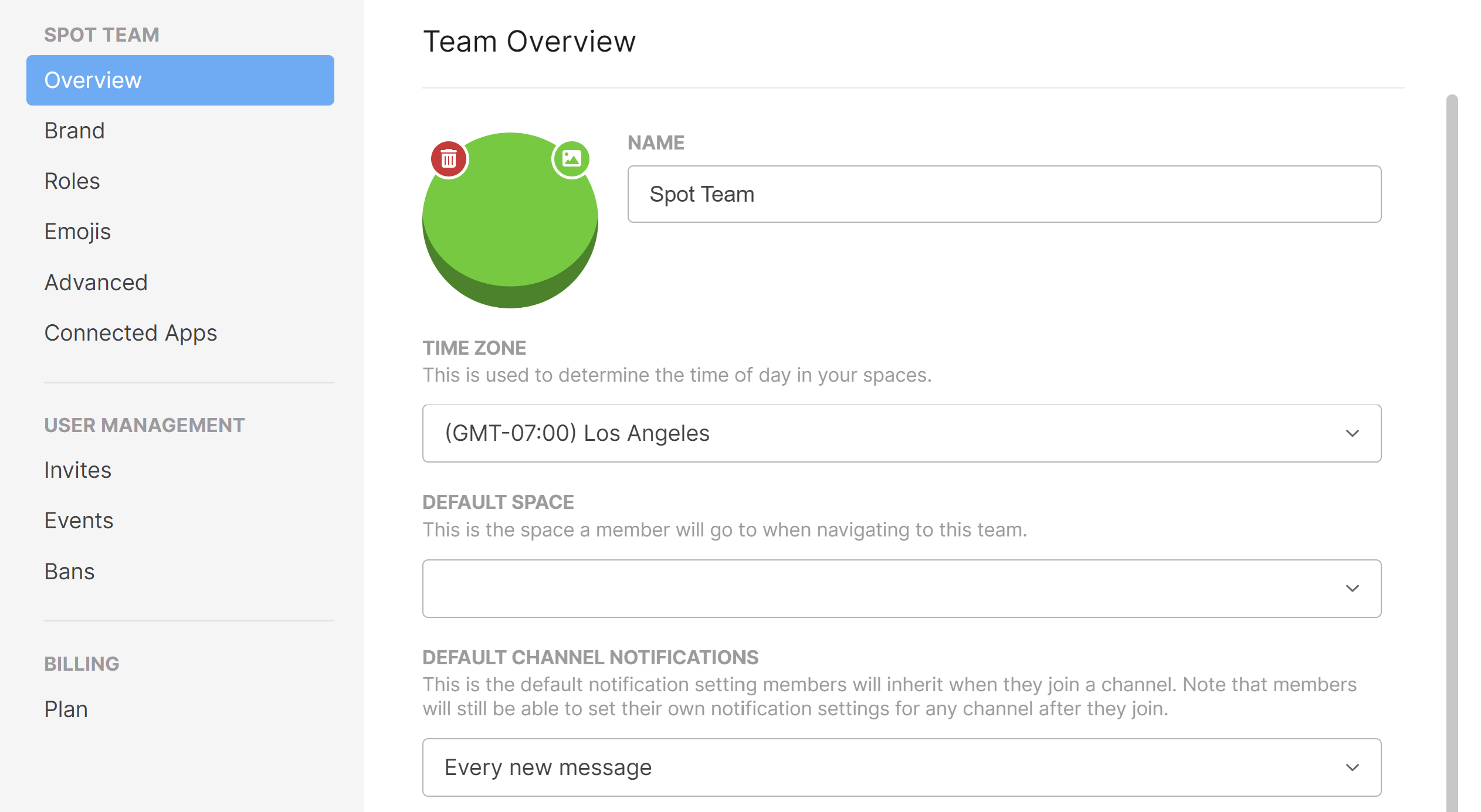
Team Settings allow you to edit:
- Brand: Easily update logo and color scheme.
- Roles: Control who has access to what with permissions by role.
- Emojis: Custom emojis for your team!
- Manage Invites/Events/Bans
- Upgrade your Team with a Growth or Enterprise plan
Meeting transcription
Open Team Settings → Advanced → Meeting transcription to choose Off, Private by default, or Organization-visible by default. Private meetings are accessible to their participants and members with Manage all meetings permission. Changing the default affects new meetings; existing meetings keep their visibility.
Use Team Settings → Roles → Meetings to control who can configure room transcription and who can manage all meetings. See Meeting Transcription for details and cleanup instructions.