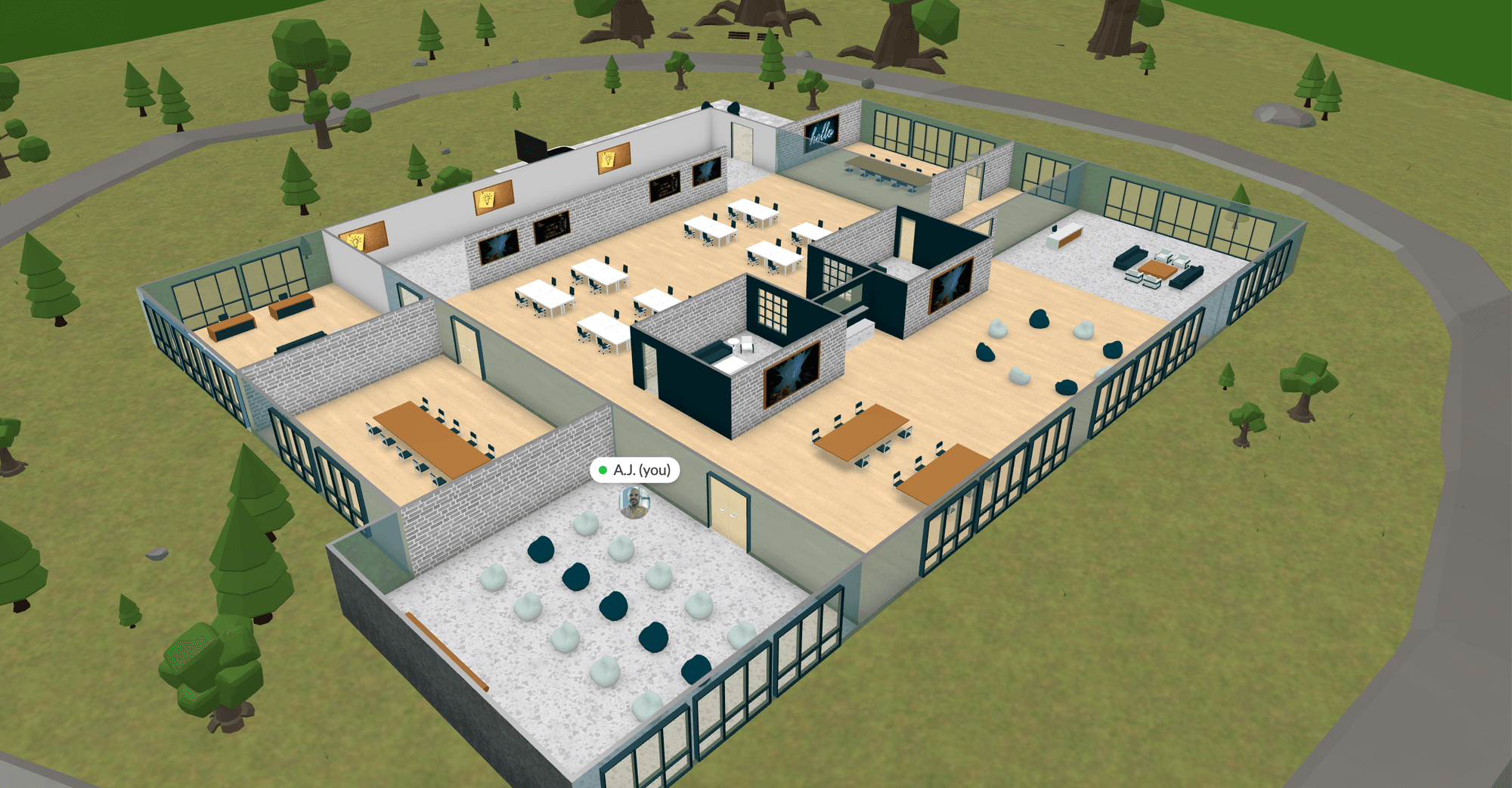

Let's get straight to the point - here's 5 of my favorite features for Sales teams using a Virtual Office.
I'll spare you a long intro, but will also offer to host a team building & negotiation activity for you in your new office. See the end of this article for the details.
Pro Tips for a Sales Team using a Virtual Office:
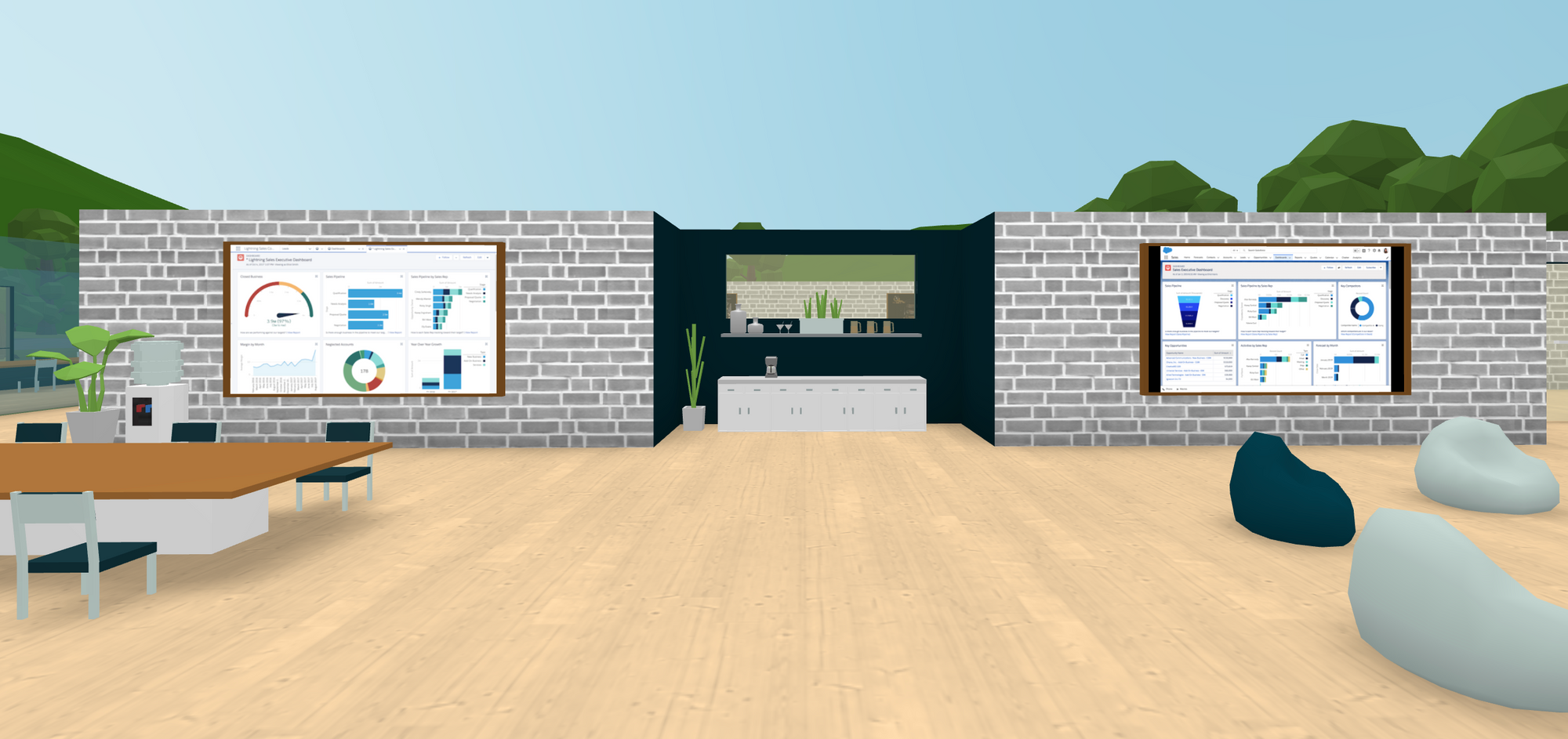
1) Show off the dashboard you asked RevOps to build for you and the team.
2) Build a Logo Wall - tie in a Spiff when meetings are booked or deals close with your named customers.

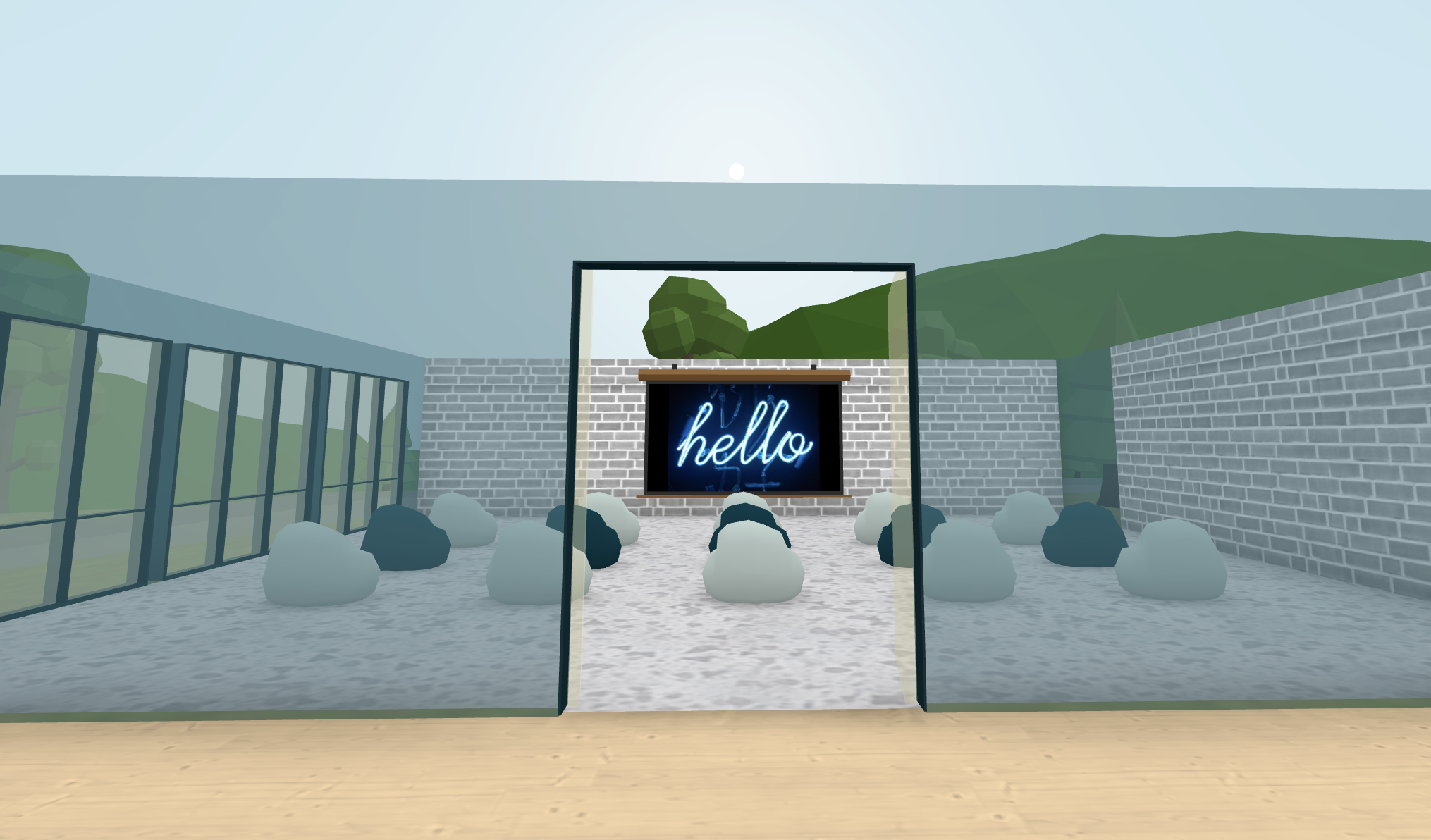
3) Host an Enablement session in something less boring than a Zoom room.
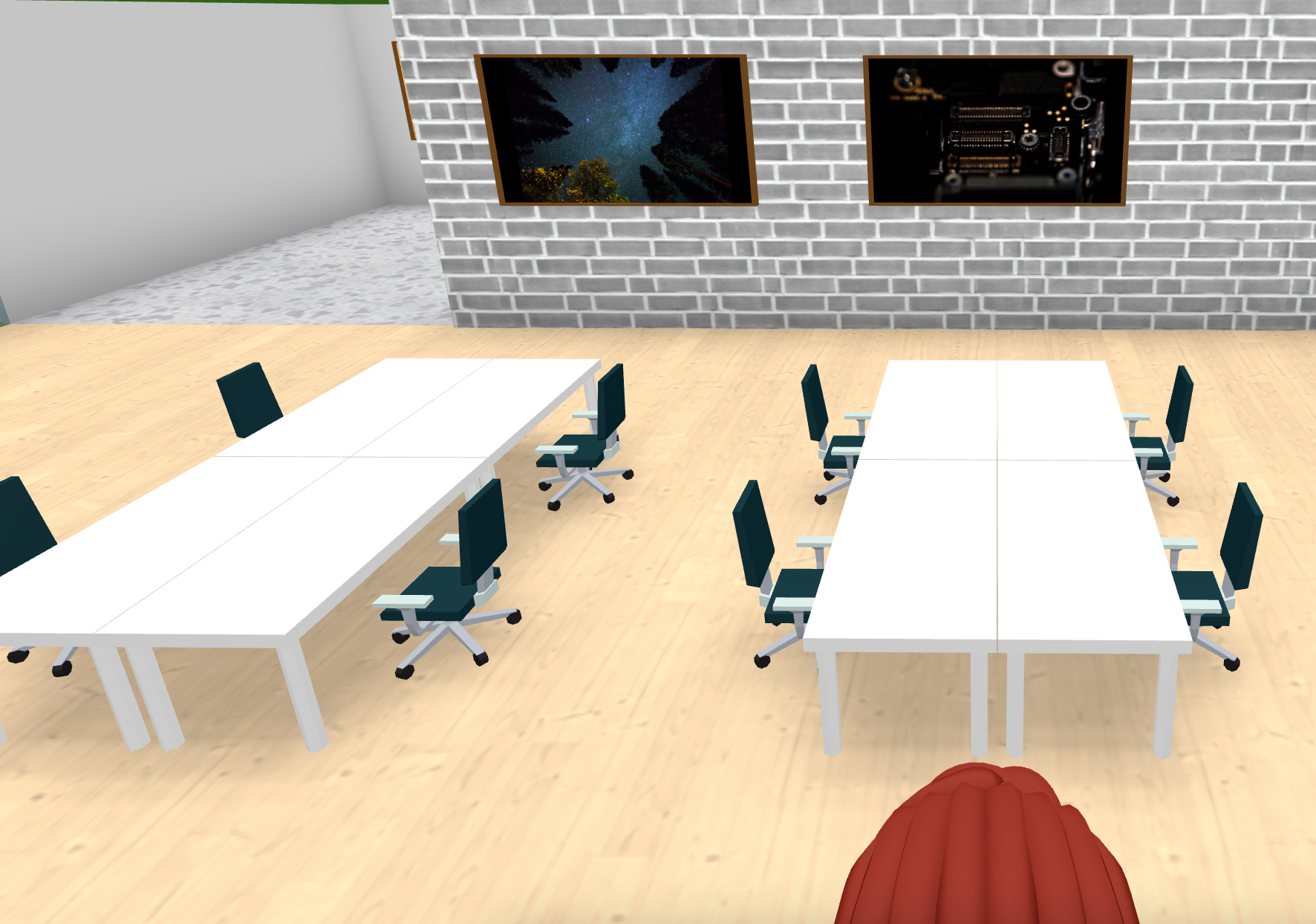
4) Each desk pod has Spatial Audio, promoting natural conversation and knowledge sharing.
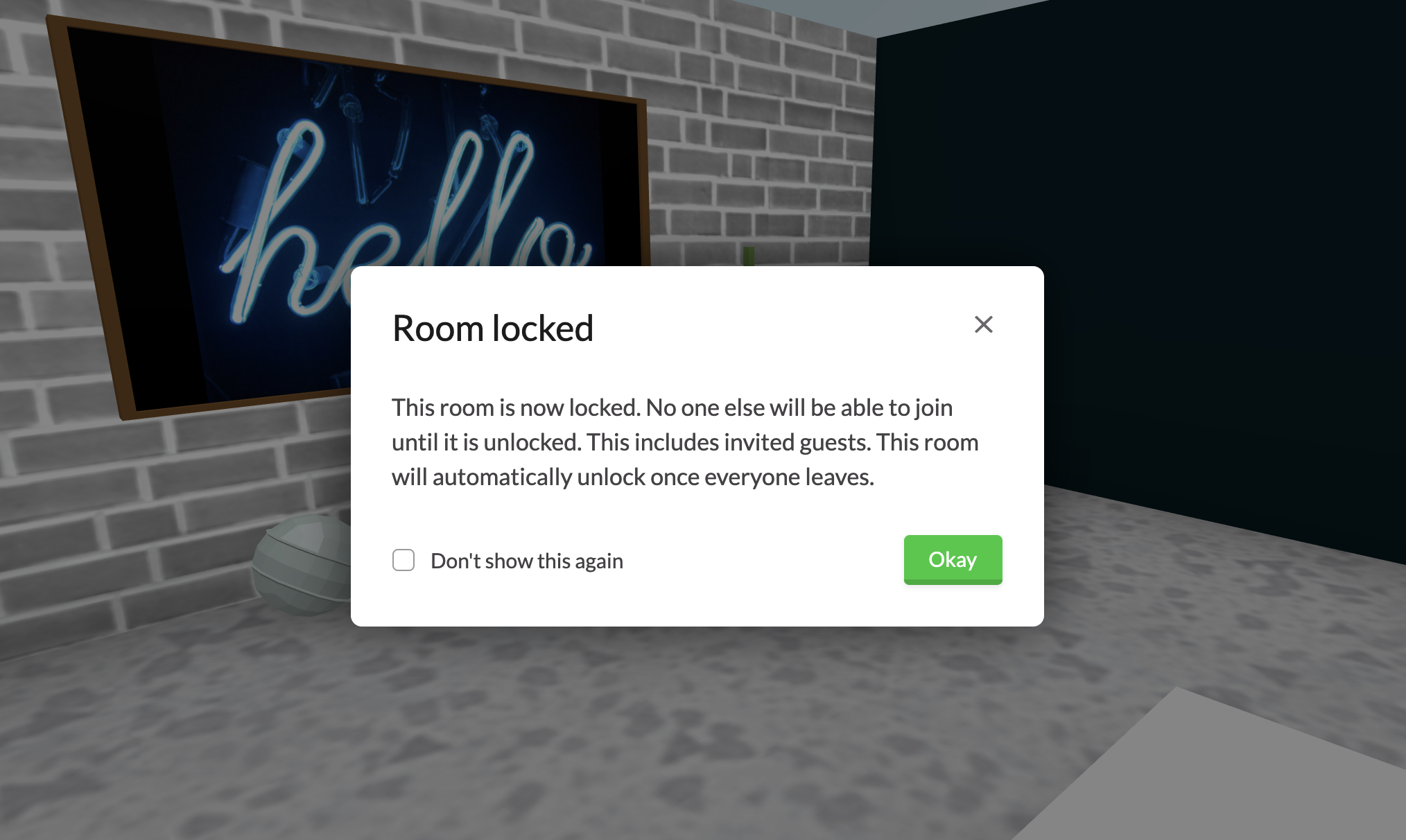
5) Rooms and offices can be locked for private conversations
If you're interested in setting up a Virtual Office for your XDR, AE, CSM or Pro-Serv team, I'm happy to help. Drop me a note - AJ@spotvirtual.com, or click this link (no commitment) for access to the office I've shown. Need something more custom? Let's talk, here's my calendar.
I facilitate a fun team building and negotiation activity. It takes about 50 minutes, and can be setup for teams of 3 to 300. If you want to shake up your next team meeting with some new content, it's a great one!